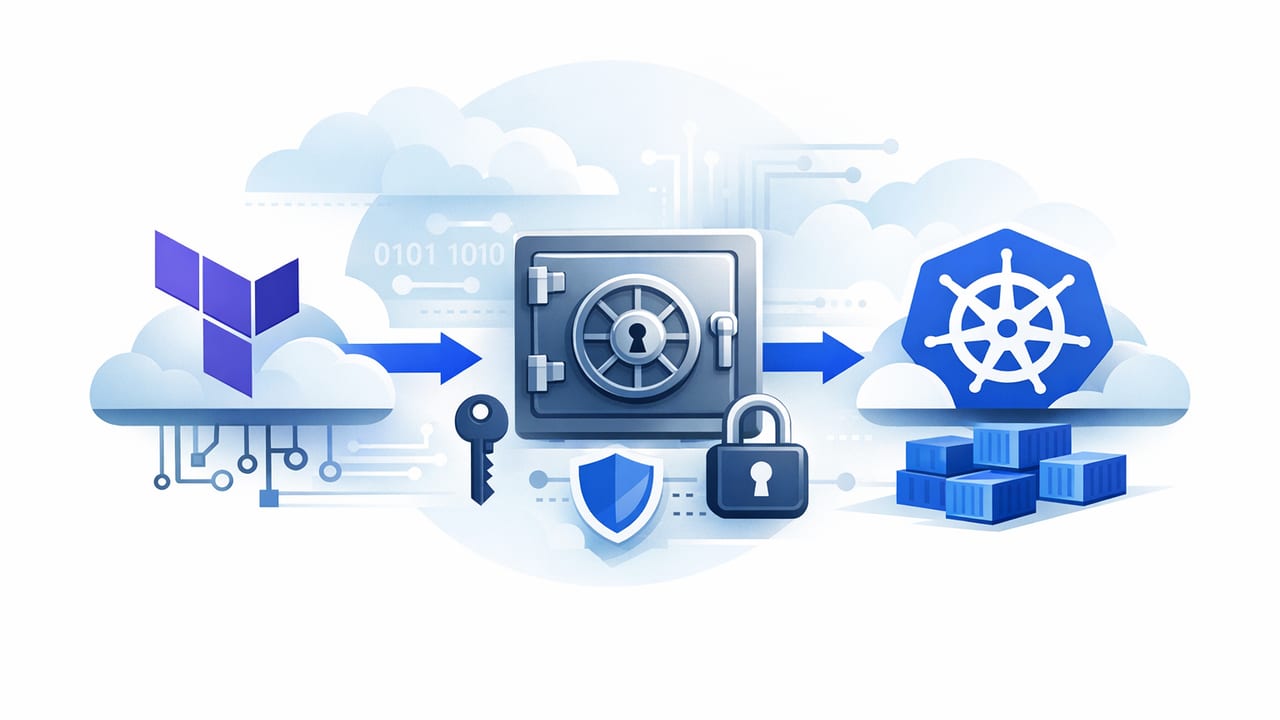
Modern platforms rarely live in one place: infrastructure is provisioned with Infrastructure as Code (IaC), applications run on Kubernetes, and sensitive data (API keys, database passwords, signing keys) often belongs in a dedicated secret store. Getting terraform and kubernetes integration for secret stores right is less about “where do I put the secret?” and more about how secrets move through environments, who can access them, how rotation happens, and how you prove it during audits.
This guide explains common integration patterns, trade-offs, and an end-to-end workflow you can adapt—without hardcoding secrets in Git, Terraform state, or container images.
Why integrate Terraform, Kubernetes, and a secret store?
Terraform is excellent at provisioning cloud resources and policies. Kubernetes excels at scheduling workloads and managing runtime configuration. Secret stores (cloud secret managers or vaults) provide strong controls: encryption, access policies, versioning, and audit logs. Integration matters because the gaps between these tools are where secrets commonly leak.
- Terraform should provision secret containers (stores, IAM roles, policies), not handle secret values unless you have a strict approach.
- Kubernetes should consume secrets at runtime with least privilege, ideally without persisting cleartext values in etcd.
- Secret stores should be the source of truth for secret values and rotation events.
Core patterns for Kubernetes secret consumption
There are three widely used approaches. Which one you choose depends on your threat model, operational maturity, and compliance requirements.
| Pattern | How apps get secrets | Pros | Cons |
|---|---|---|---|
| Kubernetes Secrets (synced) | Secrets are created in Kubernetes and mounted/env-injected | Simple; broad compatibility; works with most charts | Secrets often end up stored in etcd (even if encrypted); rotation requires sync + rollout |
| External Secrets Operator | Controller syncs from secret store into Kubernetes Secrets | Automates refresh; supports many stores; good developer experience | Still persists in etcd; controller needs access to read secrets |
| Secrets Store CSI Driver | Secrets mounted at runtime from provider via CSI volume | Can avoid storing values in etcd; strong runtime posture; supports rotation modes | More moving parts; app needs file-based consumption (or sync option) |
Rule of thumb: If your priority is minimizing secret persistence in Kubernetes, start with the CSI driver. If your priority is compatibility with existing apps expecting Kubernetes Secrets, consider External Secrets and pair it with strong etcd encryption and tight RBAC.
Recommended reference architecture
A robust integration typically looks like this:
- Terraform provisions the secret store (or references an existing one), creates per-namespace/per-app IAM roles, and sets least-privilege read access to specific secret paths/keys.
- Kubernetes uses workload identity (cloud-native or OIDC) so pods authenticate to the secret store without static credentials.
- A controller or CSI driver fetches secrets at runtime and provides them to pods, with controlled refresh behavior.
- Rotation and auditing are handled at the secret store layer; Kubernetes consumption is designed to tolerate updates.
Key security objective: avoid “secret sprawl”
Secret sprawl happens when secret values appear in multiple places: Git, CI logs, Terraform state, Kubernetes manifests, configmaps, and container images. Your integration should aim for:
- No secret values in Git (including Helm values files).
- No secret values in Terraform state whenever possible.
- No long-lived cloud access keys attached to pods.
- Auditable access: who read what secret, when, and from where.
Terraform: what to manage (and what to avoid)
Terraform is ideal for managing identity and access and the “plumbing” needed for secret retrieval. It’s usually a mistake to use Terraform to set secret values directly unless you treat Terraform state as sensitive, tightly controlled, and encrypted with restricted access.
Manage with Terraform
- Secret store instances, namespaces/projects, KMS keys
- Policies (which app can read which secrets)
- Workload identity/IAM roles mapped to Kubernetes service accounts
- Helm releases or manifests for External Secrets/CSI components
Avoid (or strongly constrain)
- Putting secret values in
*.tfvariables - Generating secrets in Terraform and outputting them
- Passing secret values through CI job logs
Kubernetes: service accounts, RBAC, and namespace boundaries
Even with a strong external secret store, Kubernetes controls still matter:
- Use dedicated service accounts per workload (not the default).
- Use namespace isolation and avoid cross-namespace secret references.
- Minimize RBAC: most apps should not have permissions to read Kubernetes Secrets directly if a sidecar/CSI volume supplies them.
- Enable etcd encryption if you must store Kubernetes Secrets.
Practical workflow: CSI driver + workload identity (example)
The snippet below is a provider-agnostic template showing the relationship between Terraform-managed Kubernetes service accounts and a CSI-driven secret mount. You’ll need to adapt annotations/identity resources to your cloud and secret store provider (AWS, Azure, GCP, Vault, etc.).
1) Terraform: create a Kubernetes service account for your app
resource "kubernetes_service_account" "payments_api" {
  metadata {
    name      = "payments-api"
    namespace = "payments"

    # Example: workload identity annotation goes here.
    # Replace with your provider's required annotation(s).
    annotations = {
      "example.identity/role" = "payments-api-secrets-reader"
    }
  }
}
In parallel, Terraform should create the corresponding IAM role (or secret-store policy) that grants read access to only the required secret entries, such as:
payments/db_passwordpayments/stripe_api_key
2) Kubernetes: define a SecretProviderClass (CSI)
With the Secrets Store CSI Driver, a custom resource (often named SecretProviderClass) defines what to fetch and how to present it to pods.
apiVersion: secrets-store.csi.x-k8s.io/v1
kind: SecretProviderClass
metadata:
  name: payments-api-secrets
  namespace: payments
spec:
  provider: your-provider
  parameters:
    objects: |
      - objectName: "payments/db_password"
        objectType: "secret"
      - objectName: "payments/stripe_api_key"
        objectType: "secret"
This approach keeps the mapping in Kubernetes, while the secret values remain in the external store.
3) Kubernetes: mount secrets into the pod
apiVersion: apps/v1
kind: Deployment
metadata:
  name: payments-api
  namespace: payments
spec:
  replicas: 2
  selector:
    matchLabels:
      app: payments-api
  template:
    metadata:
      labels:
        app: payments-api
    spec:
      serviceAccountName: payments-api
      containers:
        - name: app
          image: example/payments-api:1.0.0
          volumeMounts:
            - name: secrets-store
              mountPath: "/mnt/secrets"
              readOnly: true
          env:
            - name: DB_PASSWORD_FILE
              value: "/mnt/secrets/payments-db-password"
      volumes:
        - name: secrets-store
          csi:
            driver: secrets-store.csi.k8s.io
            readOnly: true
            volumeAttributes:
              secretProviderClass: payments-api-secrets
Implementation detail: file names vary by provider. Many teams standardize file naming in an init container or by referencing paths the provider produces, then teaching the app to read from files. If your app only supports environment variables, you can enable the CSI “sync to Kubernetes Secret” feature—but that reintroduces persistence in etcd.
Rotation: design for change without downtime
Secret rotation is where integrations often fail in production. Plan rotation at three layers:
1) Secret store rotation policy
- Use automatic rotation where possible (database credentials, cloud keys).
- Version secrets and keep a short overlap window for old+new validity.
2) Kubernetes refresh behavior
- External Secrets typically polls and updates Kubernetes Secrets; ensure your refresh interval matches your risk tolerance.
- CSI drivers can update mounted content; confirm whether your application reloads files automatically.
3) Application reload strategy
- Best: apps can reload credentials without restart (watch file changes or re-auth on failure).
- Good: rollout restarts triggered on secret version change (GitOps controller, operator, or automation job).
- Risky: manual restarts or long-lived connections with no retry logic.
Common pitfalls (and how to avoid them)
Pitfall: secrets in Terraform state
Terraform state often ends up in remote backends accessible to many engineers and CI systems. If you must manage secret values via Terraform, treat state as highly sensitive: strong encryption, minimal access, short retention, and rigorous auditing. Prefer referencing existing secret objects rather than creating values in Terraform.
Pitfall: one IAM role for the whole cluster
A single broad role is convenient, but it defeats least privilege. Use per-namespace or per-app identities. If a pod is compromised, the blast radius should be limited to that workload’s secrets only.
Pitfall: ignoring Kubernetes RBAC and node security
Even with an external store, attackers may exfiltrate secrets from mounted volumes or environment variables. Harden nodes, restrict exec access, use Pod Security Admission (or equivalent), and limit who can deploy/patch workloads.
Pitfall: missing audit trails
Make sure you can answer: Which identity read which secret and when? Enable secret-store audit logs and correlate them with Kubernetes identities (service accounts, namespaces, workload IDs).
Checklist: production-ready integration
- Identity: workload identity/OIDC; no static keys in pods
- Least privilege: per-app access scoped to specific secret paths
- Delivery: CSI mount (preferred) or operator sync with etcd encryption
- Rotation: store-level rotation + app reload plan
- Audit: secret access logs + Kubernetes event correlation
- Resilience: handle temporary secret-store unavailability (timeouts, retries, fallback)
Where a secrets management platform fits
If you want a unified way to manage secret lifecycle policies, access auditing, and automation across multiple clusters and environments, a dedicated secrets management platform can simplify operations. Some teams use solutions like Vaulify to centralize governance while still integrating with Terraform and Kubernetes through identity-based access and automated workflows.