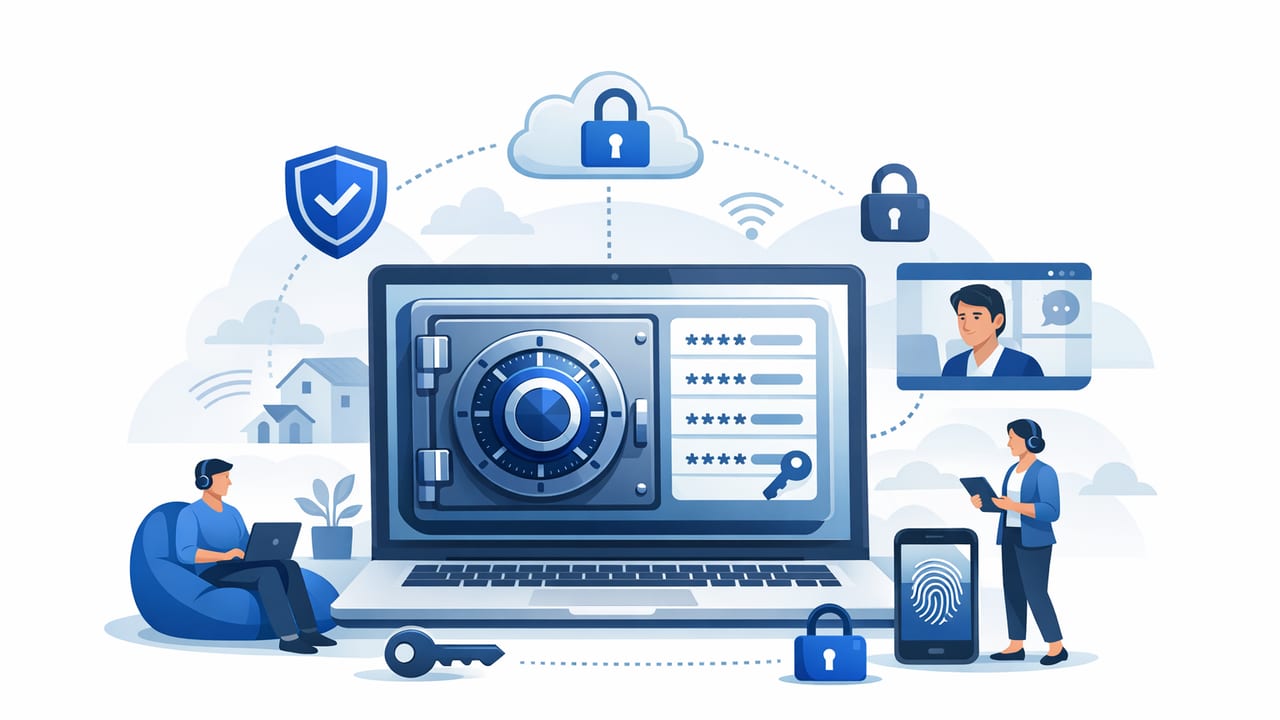
Remote work expands your security perimeter from a few office networks to hundreds (or thousands) of home networks, personal devices, shared Wi‑Fi, and time zones. In that environment, passwords don’t just protect email and SaaS logins—they often guard access to production systems, customer data, CI/CD pipelines, and API keys. A secure password vault for remote employees is one of the fastest, most measurable ways to reduce credential sprawl, prevent risky sharing, and improve incident response.
This guide explains what “secure” should mean in practice, the technical capabilities to prioritize, and a rollout plan that actually works for distributed teams.
Why remote work changes the credential threat model
Remote employees face a different set of pressures and risks than in-office teams:
- More phishing surface area: employees are targeted via personal email, SMS, social platforms, and collaboration tools.
- More unmanaged endpoints: BYOD laptops and mobile devices may lack full-disk encryption, EDR, or timely patching.
- More “shadow sharing”: credentials end up in chat messages, notes apps, spreadsheets, or browser-saved password stores.
- More vendor and contractor access: short-term access is common but often not revoked quickly.
In a distributed environment, the question is rarely “Will credentials leak?” but “How quickly can we contain and recover when they do?”
What a secure password vault must do for remote employees
Not all vaults are equal. For remote work, security hinges on identity controls, device context, auditability, and safe collaboration. Use the checklist below as a baseline.
1) Strong authentication and modern identity (SSO + MFA)
- SAML/OIDC SSO with your IdP (Okta, Entra ID, Google Workspace, etc.).
- Phishing-resistant MFA where possible (FIDO2/WebAuthn security keys or passkeys).
- Step-up authentication for high-risk actions (export, admin changes, bulk sharing).
- Conditional access (location, IP reputation, impossible travel, device compliance).
2) Least privilege with role-based access control (RBAC)
Your vault should support:
- Groups/roles mapped from the IdP (e.g., “Support”, “SRE”, “Finance”).
- Folder/project scoping so employees only see what they need.
- Granular permissions: view vs. edit vs. share vs. administer.
- Time-bound access (just-in-time) for elevated credentials.
3) Encryption model you can explain to auditors
Security and compliance teams will ask how data is protected:
- Encryption in transit (TLS) and at rest (strong, modern ciphers).
- Key management controls (rotation, separation of duties, access controls).
- Secure recovery workflows that don’t create backdoors.
4) Secure sharing that replaces “send it in Slack”
A remote-friendly vault should make the secure path the easiest path:
- One-click sharing to a person or group without exposing plaintext in transit.
- Shared collections for team-owned credentials (not “owned” by one employee).
- Expiration and revocation for shared access (especially vendors).
- Access request workflow to avoid ad-hoc messages.
5) Audit logs and alerting that support incident response
- Immutable audit logs (who accessed what, when, from where).
- Admin activity logging (policy changes, role changes, exports).
- SIEM integration (Splunk, Sentinel, Elastic) for correlation and alerting.
Password vault vs. “secrets management”: know when you need both
A password vault is optimized for humans (employees accessing web apps, devices, and shared accounts). A secrets manager is optimized for machines (apps, CI/CD, infrastructure). Remote-first organizations often need a bridge between the two: employees should not copy production credentials into local notes, and CI jobs should not depend on a single engineer’s browser vault.
| Use case | Best fit | What “good” looks like |
|---|---|---|
| Employee logins to SaaS, admin consoles | Password vault | MFA, RBAC, safe sharing, audit logs |
| API keys for services and integrations | Secrets manager | Short-lived tokens, rotation, app identity, policy-based access |
| Shared “break-glass” credentials | Both | Dual control, approvals, tight logging, limited use |
| CI/CD pipelines and deploy keys | Secrets manager | Non-human auth, scoped secrets, rotation, no plaintext in logs |
How to deploy a secure password vault for remote employees (step-by-step)
Successful deployments focus less on “installing a tool” and more on reducing friction while tightening control. Here’s a pragmatic rollout plan.
Step 1: Inventory credential types and classify risk
Before migration, identify what the workforce is actually using:
- Personal accounts (should stay personal; provide guidance, not control).
- Company SaaS accounts (SSO where possible; vault for non-SSO systems).
- Shared team accounts (move to shared collections; assign owners).
- Privileged accounts (admins, root, break-glass—tightest policies).
Classify each credential set by impact (low/medium/high) and decide what requires step-up MFA, approvals, or time-bound access.
Step 2: Integrate your identity provider and enforce MFA
For remote teams, SSO is the control plane. Configure SSO first, then:
- Require MFA for all users.
- Restrict vault access to managed devices where possible.
- Set session timeouts and re-authentication for sensitive actions.
If you must allow BYOD, compensate with tighter policies: shorter sessions, limited exports, and more aggressive anomaly detection.
Step 3: Design folders/projects around how teams work
A common mistake is building the vault like an org chart. Instead, align access to the work:
- Projects (e.g., “Payments”, “Mobile App”, “Customer Support Tools”)
- Environments (e.g., “Prod”, “Staging”) with stricter controls in prod
- Functions (e.g., “Finance Ops”, “IT Admin”, “Incident Response”)
Make team ownership explicit to prevent “orphaned secrets” when employees leave.
Step 4: Move shared credentials first (highest risk reduction)
Remote organizations tend to have shared logins for legacy tools, social accounts, or third-party portals. Prioritize these because they’re the most commonly leaked via chat or email.
- Put each shared credential in a shared collection.
- Remove “everyone” access; grant only the teams that need it.
- Turn on access logging and alerts for unusual access patterns.
Step 5: Add safe processes for onboarding, offboarding, and vendors
Remote teams change quickly. Your vault should support repeatable workflows:
- Onboarding: assign groups via IdP; auto-provision vault access; provide a “first day” checklist.
- Offboarding: disable IdP user; revoke sessions; rotate shared credentials the user could access.
- Vendors/contractors: separate groups, time-boxed access, and rapid revocation.
Security policies that matter (and the ones that backfire)
Policies that actually improve security
- Least privilege by default with approval gates for privileged access.
- No plaintext sharing in chat/email; vault sharing only.
- Mandatory rotation for shared credentials after role changes/offboarding.
- Break-glass controls (dual control, logging, and post-use review).
Policies that often backfire for remote employees
- Overly frequent password changes without evidence of compromise (drives unsafe storage).
- Blocking access from all non-corporate networks without providing secure alternatives (forces workarounds).
- One shared “team password” that never rotates (guaranteed leakage over time).
Automation and API security: reduce human handling of secrets
Remote work increases the temptation to copy secrets between tools. The safer strategy is to minimize “human touch” for anything used by systems (API keys, deploy tokens, DB passwords). If your platform supports it, use automation to rotate and distribute secrets programmatically.
Example: store and retrieve a secret without hardcoding it
The exact commands depend on your tooling, but the pattern is consistent: authenticate via an identity mechanism, write a secret once, read it at runtime, and never print it to logs.
# Pseudocode example: set and read a secret for an internal tool
# 1) Authenticate (SSO/device-based, short-lived session)
vault login --sso

# 2) Store a secret with scoped access (team/project)
vault secret put \
  --path "projects/payments/prod/stripe_api_key" \
  --value "$STRIPE_API_KEY" \
  --readers "group:payments-sre" \
  --writers "group:payments-platform"

# 3) Read at runtime (avoid echoing in logs)
export STRIPE_API_KEY="$(vault secret get --path projects/payments/prod/stripe_api_key --format raw)"
For API security, aim for short-lived credentials (tokens) instead of long-lived keys where feasible, and rotate the remaining long-lived secrets on a schedule or after key events (offboarding, suspected compromise).
Monitoring: what to log and what to alert on
Audit logs are only useful if you can act on them. For a secure password vault for remote employees, prioritize these detections:
- Impossible travel or unusual geolocation for vault access.
- Multiple failed MFA attempts followed by a success.
- Bulk exports or mass secret reads in a short window.
- Permission changes that grant broad access or remove approvals.
- Access to break-glass credentials (always alert).
A practical “remote-first” vault evaluation checklist
If you’re comparing tools, validate these capabilities with real workflows (not just marketing pages):
- End-user usability: browser extension, autofill, mobile support, offline behavior.
- Admin controls: RBAC depth, access reviews, group mapping, policy enforcement.
- Security features: phishing-resistant MFA, session controls, device posture, encryption design.
- Auditing: immutable logs, exportable events, SIEM integrations, alerting hooks.
- Lifecycle: onboarding/offboarding automation, vendor access controls, rotation options.
- Compliance support: evidence exports, retention controls, and access review workflows.
Common migration pitfalls (and how to avoid them)
- Storing everything in one shared folder: fix with projects + RBAC + owners.
- Not rotating after import: assume imported shared credentials are already exposed; rotate promptly.
- Allowing unlimited export: limit exports, require step-up MFA, and log every export event.
- No offboarding runbook: document the process and automate revocation and rotation triggers.
Conclusion
A secure password vault for remote employees is less about “having a vault” and more about enforcing least privilege, enabling safe sharing, reducing human handling of secrets, and generating audit-quality evidence. Start with shared credentials and privileged accounts, integrate SSO + strong MFA, build access around projects, and add automation and monitoring so security improves as your distributed team grows.
If you’re also standardizing broader secrets management (API keys, service credentials, rotation, and compliance workflows), platforms like Vaulify can help unify policy, automation, and auditing across both human and machine secrets.