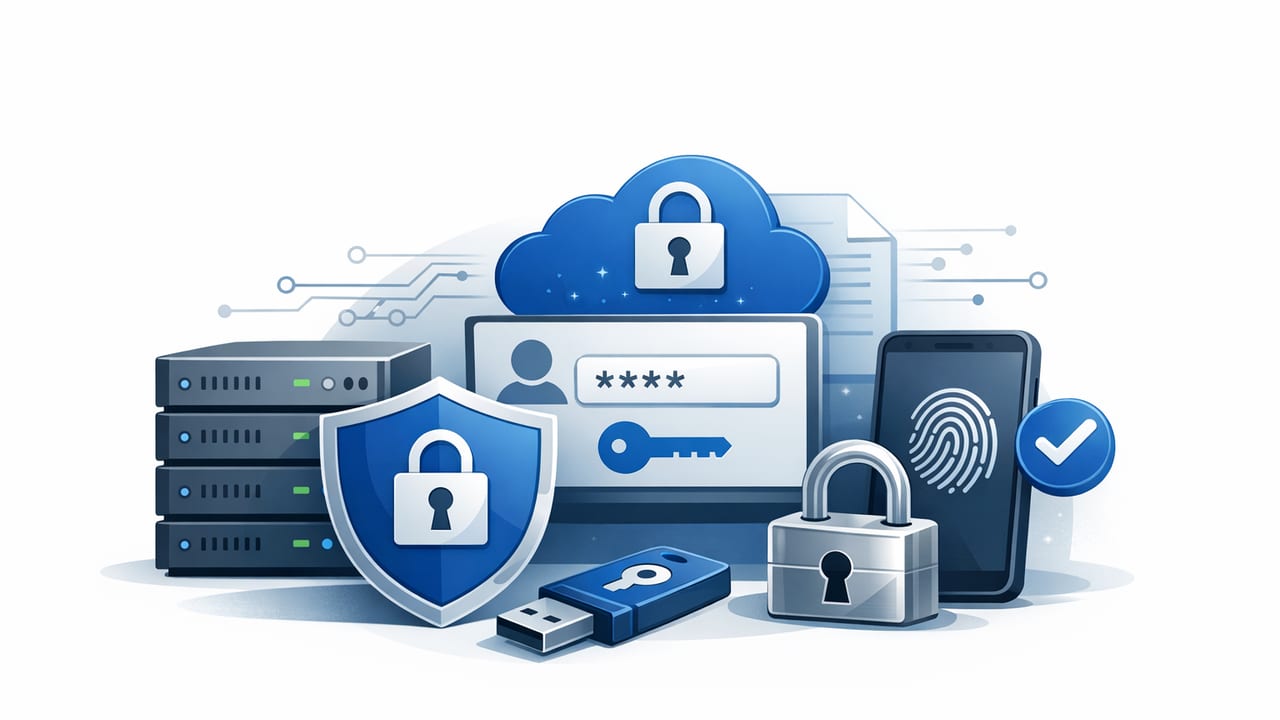
Secure credential storage is the practice of protecting sensitive authentication material—passwords, API keys, tokens, certificates, and encryption keys—throughout its lifecycle: creation, storage, access, rotation, and revocation. In modern delivery pipelines, credentials aren’t just “stored” somewhere; they move across developer laptops, CI runners, containers, and production services. Each hop is an opportunity for accidental exposure.
This guide explains practical patterns for secure credential storage that hold up in real environments: cloud, on-prem, microservices, and CI/CD. You’ll learn what to avoid, what to automate, and how to design a secrets workflow that supports security and delivery speed at the same time.
Why credential storage fails in practice
Breaches commonly stem from predictable issues:
- Hardcoded secrets in source code, Dockerfiles, or IaC templates.
- Over-broad access (one shared credential used by many services).
- Long-lived credentials that never rotate.
- Secrets in logs (debug output, CI logs, HTTP traces).
- Insecure distribution (email, chat, spreadsheets, shared drives).
- No audit trail for who accessed what and when.
Rule of thumb: If you can copy/paste a production credential from a document, your process is optimized for convenience—not resilience.
Threat model: what you’re defending against
Secure credential storage should assume some systems will be compromised. Design for containment:
- Developer endpoint compromise: malware steals local environment variables or config files.
- CI compromise: pipeline logs leak secrets or a runner gets hijacked.
- Workload compromise: an attacker lands in a container and reads secrets from disk.
- Insider risk: legitimate access used inappropriately.
- Supply chain issues: malicious dependency exfiltrates environment variables.
Your goal is to reduce both blast radius (how much a single leak exposes) and time-to-detection (how quickly you notice and respond).
Core principles of secure credential storage
1) Minimize secret exposure time and surface area
Prefer runtime retrieval from a trusted secrets store over distributing secrets broadly. Avoid storing secrets in:
- Git repositories (even private ones)
- build artifacts
- container images
- shared file shares
2) Encrypt at rest and in transit (and manage the keys)
Encryption is necessary, but not sufficient. It only helps if:
- encryption keys are protected (ideally with a dedicated KMS/HSM-backed approach),
- access to decrypt is tightly controlled, and
- decryption is audited and rate-limited.
3) Enforce least privilege with workload identity
A credential should be scoped to a single service, environment, and purpose. Favor short-lived access via:
- OIDC/JWT-based workload identity for CI and workloads
- mTLS or SPIFFE/SPIRE-like identities for service-to-service auth
4) Make rotation routine, not exceptional
Rotation should be automated and safe. Long-lived static credentials become permanent liabilities.
5) Audit everything that matters
Track access with enough detail to support investigations:
- who/what accessed a secret (human vs service identity)
- when and from where
- what secret path/name was accessed
- deny events and anomalies
Where to store credentials: a practical comparison
Not all storage methods are equal. Use this table to align options with risk and operational needs.
| Storage option | Pros | Cons / risks | Best for |
|---|---|---|---|
| Environment variables | Simple; supported everywhere | Leak via process dumps, logs, crash reports; often over-shared | Short-lived tokens injected at runtime |
| Config files on disk | Easy local dev | High risk of accidental commit; hard to rotate; theft if host compromised | Local-only dev with strict gitignore + tooling |
| Encrypted file (KMS-sealed) | Can store in repo; centralized key control | Decrypt still needed somewhere; can drift; access patterns get messy | Bootstrapping or low-change secrets |
| Managed secrets store / vault | Access control, audit logs, rotation workflows, automation | Must run and integrate properly; needs strong identity model | Production secrets management and compliance |
| Hardware-backed (HSM/KMS) | Strong key protection; compliance-friendly | Not a full secrets workflow by itself | Root keys, signing keys, encryption key management |
A reference architecture for secure credential storage
A resilient approach separates where secrets live from how workloads authenticate to retrieve them.
Step 1: Centralize secrets in a dedicated store
Use a system designed for secrets management: fine-grained access policies, encryption, audit logging, and API-driven retrieval. Keep secrets out of app repos and CI definitions.
Step 2: Use identity-first access (not shared passwords)
Replace shared credentials with identity-bound access:
- CI authenticates using OIDC to request a short-lived token for only the secrets it needs.
- Runtime workloads authenticate via platform identity (Kubernetes service accounts, cloud workload identity, or instance identity).
Step 3: Deliver secrets just-in-time
Preferred patterns:
- Fetch at startup into memory (and refresh periodically).
- Sidecar/agent injection that writes to an in-memory filesystem (tmpfs) and renews automatically.
- CSI/volume integration that avoids embedding secrets into images.
Step 4: Automate rotation and revocation
Rotation is easiest when credentials are:
- scoped (one secret per service)
- versioned (support current + next during rollout)
- automated (scheduled rotation with controlled rollout)
CI/CD: secure patterns (and what to avoid)
Common anti-pattern: “CI has all the secrets”
Many pipelines grant a single CI job broad access “because builds need it.” This concentrates risk. Instead:
- Issue per-pipeline identity (OIDC).
- Grant per-job access to only required secrets.
- Prefer short-lived tokens over static keys.
Practical pipeline controls
- Mask secrets in logs, but don’t rely on masking as a primary control.
- Disable verbose tracing for steps that might print headers or env.
- Split duties: build jobs shouldn’t access production credentials.
- Pin dependencies and run secret scanning on commits and PRs.
Implementation example: retrieve a secret at runtime
Below is a minimal pattern for retrieving a secret from a secrets API at runtime and keeping it out of source control. The details vary by provider, but the security shape is the same: authenticate using workload identity, fetch only what you need, and avoid writing to disk.
// Pseudocode (Node.js-style) for runtime secret retrieval
async function loadDbPassword() {
  // 1) Obtain a short-lived access token via workload identity
  const accessToken = await getWorkloadIdentityToken();

  // 2) Fetch the secret over TLS from a secrets endpoint
  const res = await fetch("https://secrets.example.com/v1/secrets/prod/db/password", {
    headers: { "Authorization": `Bearer ${accessToken}` }
  });

  if (!res.ok) throw new Error(`Secret fetch failed: ${res.status}`);
  const body = await res.json();

  // 3) Keep secret in memory; avoid logs
  return body.value; // e.g., rotateable password
}

(async () => {
  const password = await loadDbPassword();
  startApp({ dbPassword: password });
})();
Hardening tips: add timeouts, retry with backoff, cache in memory with a TTL, and support secret versioning to enable zero-downtime rotation.
Access control: a policy model that scales
Policies should be readable, reviewable, and tied to identities. A simple approach is to structure secrets by environment and service:
/dev/payments/*/staging/payments/*/prod/payments/*
Then grant access like this:
- payments-service (prod): read
/prod/payments/db/*, not/prod/* - CI deploy job (prod): read only deploy-time secrets, not runtime database credentials
- Humans: break-glass access with approval + strong audit logging
Rotation without downtime: the “two-version” technique
Rotation fails when systems assume a secret is immutable. A safer pattern:
- Create version N+1 (new credential) and store it alongside version N.
- Update consumers to accept either version during rollout (or update connection pools gracefully).
- Switch traffic/consumers to N+1.
- Revoke N once adoption is complete.
This reduces the operational pressure that leads teams to skip rotation “until later.”
Compliance and audit: what to document
Even if you’re not pursuing a specific framework, these artifacts make audits and incident response easier:
- Secrets inventory: owner, purpose, system, environment, rotation cadence.
- Access review process: who approves, how often reviews happen.
- Incident runbook: detect leak, revoke/rotate, validate, and postmortem.
- Logging and retention: access logs protected from tampering.
A secure credential storage checklist
- Secrets are not in source control, images, or build artifacts.
- All retrieval happens over TLS with verified identities.
- Least privilege policies per service, per environment.
- Audit logs enabled, monitored, and retained appropriately.
- Rotation is automated and tested (including rollback paths).
- Break-glass access is time-bound and reviewed.
- Secret scanning runs on commits and CI pipelines.
Putting it into practice
Secure credential storage is less about a single tool and more about a disciplined system: strong identity, minimal access, automated rotation, and continuous auditability. Start by centralizing secrets, removing hardcoded credentials, and converting your highest-risk secrets (production database and cloud access) to short-lived or frequently rotated credentials.
If you’re evaluating platforms to support these patterns, choose one that emphasizes automation, policy-driven access, and strong auditing—solutions like Vaulify fit well when you want secure secrets management without making developers fight the process.