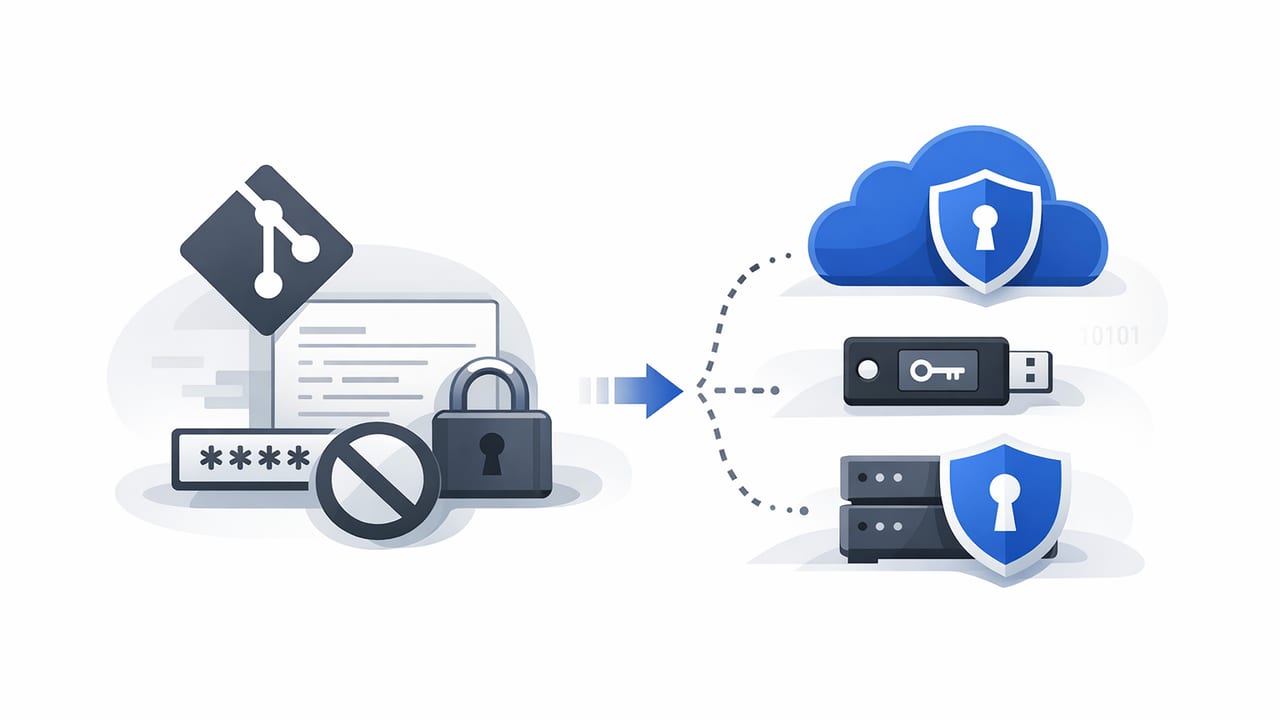
If your repository has ever included a line like DB_PASSWORD=... in a config file, you’re not alone—and you’re also carrying unnecessary risk. Searching for secure alternatives to storing passwords in Git usually starts after a scare: a public fork, a leaked build log, or a secret scanner alert.
Git is excellent for versioning code. It is not designed to safely store secrets (passwords, API keys, tokens, private keys, certificates). Even “private” repositories can be cloned, mis-shared, exposed through backups, or accessed by former team members. The good news: there are practical, team-friendly patterns that keep secrets out of Git while still enabling automation, reviews, and repeatable deployments.
Rule of thumb: If it grants access (to data, money, infrastructure, or identity), treat it as a secret and keep it out of source control.
Why storing passwords in Git is risky (even if the repo is private)
Git’s core features create security pitfalls for secrets:
- History is forever: Removing a secret from a file doesn’t remove it from commit history, tags, forks, or clones.
- Replication multiplies exposure: Every developer laptop, CI runner, mirror, and backup becomes a potential leak point.
- Access changes are hard to enforce: Revoking repo access doesn’t revoke secrets already cloned.
- Accidental disclosure is common: Debug logs, screenshots, support tickets, and “quick fixes” can spread secrets beyond the repo.
What “good” looks like: the baseline requirements
Before choosing a solution, define what you need. A secure approach typically supports:
- Centralized storage (one source of truth, not scattered files)
- Strong access controls (least privilege, role-based access)
- Auditability (who accessed what, when)
- Rotation (regularly and after suspected exposure)
- Automation (CI/CD and runtime retrieval without copying secrets around)
- Separation of environments (dev/staging/prod isolation)
Secure alternatives to storing passwords in Git
1) CI/CD platform secrets (best for build-time and deployment-time)
Most CI/CD systems provide encrypted secret storage (e.g., GitHub Actions Secrets, GitLab CI variables, CircleCI contexts, Azure DevOps variable groups). This is a strong first step because it keeps secrets out of the repository while still enabling automated builds and deployments.
Use this when: secrets are only needed during CI jobs (building images, deploying, running tests that require credentials).
Watch out for: secrets leaking into logs, overly broad environment access, and long-lived credentials that never rotate.
2) Cloud secrets managers (best for production apps and regulated environments)
Managed secrets services (such as AWS Secrets Manager, Azure Key Vault, or Google Secret Manager) store secrets centrally and provide access control, encryption, and auditing. Apps fetch secrets at runtime (or during startup) using cloud identity rather than embedding credentials in code.
Use this when: you run workloads in a major cloud and want strong governance, audit logs, and integrations.
Watch out for: cross-account complexity, permission sprawl, and caching strategies (avoid writing secrets to disk).
3) Kubernetes-native patterns (best for container platforms, with caveats)
Kubernetes Secret objects are often used, but they’re not automatically “safe” by default. Base64 encoding is not encryption. For better security, combine Kubernetes with:
- Encryption at rest using KMS providers
- RBAC hardening so only the right service accounts can read secrets
- External Secrets operators to sync from a real secrets manager
Use this when: apps run on Kubernetes and you want consistent patterns across services.
Watch out for: etcd exposure, broad cluster-admin access, and secrets appearing in pod specs or debug output.
4) SOPS + KMS (GitOps-friendly encrypted files, not plaintext)
If your workflow requires storing configuration alongside code (GitOps), consider storing encrypted secret files using Mozilla SOPS with a cloud KMS (or PGP). The repository contains ciphertext; decryption happens in CI/CD or at deploy time by identities allowed to use KMS.
Use this when: you need Git-based change control and reviews for secret changes, without plaintext in Git.
Watch out for: key management (KMS policies), preventing decrypted files from being written to disk, and ensuring review processes don’t encourage copying secrets into comments.
5) Password managers for human-access credentials (best for shared admin logins)
For credentials used by people (vendor portals, admin consoles, break-glass accounts), a business password manager can be appropriate. These tools are designed for sharing, approvals, MFA, and offboarding. They are not usually ideal for high-volume machine secrets, but can work for small teams and low automation needs.
Use this when: the secret is primarily used by humans, not services.
Watch out for: copying secrets into scripts, lack of programmatic rotation, and poor separation between environments.
6) Self-hosted secrets management (best for platform teams and custom requirements)
Some organizations deploy self-hosted secret stores to control residency, network boundaries, and integrations. This can be powerful, especially with dynamic secrets (short-lived database credentials) and strong audit controls.
Use this when: you need deep customization, dynamic secrets, or strict network controls.
Watch out for: operating overhead, availability requirements, backups, upgrades, and incident response planning.
Comparison table: choosing the right option
| Option | Best for | Pros | Trade-offs |
|---|---|---|---|
| CI/CD secrets | Build/deploy-time secrets | Fast setup, keeps secrets out of Git, good access controls | Not ideal for runtime secrets; risk of log leakage |
| Cloud secrets manager | Runtime secrets in production | Auditing, IAM integration, rotation support | Cloud coupling; permission design complexity |
| Kubernetes + External Secrets | K8s workloads | Standardized delivery to pods; integrates with cloud stores | Cluster RBAC and etcd security must be strong |
| SOPS + KMS | GitOps with reviewed secret changes | Secrets stay encrypted in Git; good for declarative ops | Key policy hygiene required; manage decrypted outputs carefully |
| Password manager | Human credentials | Sharing, MFA, offboarding, usability | Weak for automation and service-to-service secrets |
Practical example: retrieve secrets at runtime (instead of committing them)
A common pattern is: apps read secrets from a secrets manager using workload identity, then inject them into configuration at startup. Below is a simplified Node.js example using AWS Secrets Manager. (Equivalent patterns exist for other clouds.)
// npm i @aws-sdk/client-secrets-manager
import { SecretsManagerClient, GetSecretValueCommand } from "@aws-sdk/client-secrets-manager";

const client = new SecretsManagerClient({ region: process.env.AWS_REGION });

export async function loadDbPassword() {
  const secretId = process.env.DB_PASSWORD_SECRET_ID; // not the password itself
  const out = await client.send(new GetSecretValueCommand({ SecretId: secretId }));
  const payload = out.SecretString ? JSON.parse(out.SecretString) : {};
  return payload.password; // use in memory; avoid writing to disk
}
Key takeaway: the repository contains only a reference (like DB_PASSWORD_SECRET_ID), not the actual secret.
Migration checklist: removing passwords from Git safely
Moving away from secrets in Git is as much about process as it is about tools. Use this checklist to reduce risk:
- Inventory secrets: scan repos (including history) and enumerate where secrets are used (apps, CI, scripts).
- Revoke and rotate immediately: assume any secret found in Git is compromised.
- Choose your storage: CI/CD secrets for build-time, secrets manager for runtime, password manager for human-only.
- Replace with references: change code to read from environment variables or a secrets API; commit only non-sensitive identifiers.
- Update CI/CD pipelines: inject secrets securely, restrict visibility, and mask outputs.
- Purge Git history (when required): use history-rewriting tools and follow up by invalidating old clones/forks where possible.
- Prevent reintroduction: add secret scanning, pre-commit hooks, and branch protections.
- Document access and rotation: define owners, rotation intervals, and break-glass procedures.
Common pitfalls (and how to avoid them)
- “We base64-encoded it.” Encoding is not encryption. Use real encryption and access controls.
- Secrets in build logs. Treat logs as public within the org; mask variables and avoid echoing env vars.
- One secret shared across environments. Separate dev/staging/prod and scope each credential tightly.
- Long-lived tokens. Prefer short-lived credentials (OIDC, IAM roles, dynamic DB creds) and automate rotation.
- Over-broad access. “Everyone can read all secrets” defeats the point—use least privilege and auditing.
A simple decision guide
If you want a quick way to decide among secure alternatives to storing passwords in Git, start here:
- Only needed in CI? Use CI/CD encrypted secrets.
- Needed by running services? Use a cloud secrets manager or a dedicated secret store; fetch at runtime.
- GitOps requirement? Use SOPS + KMS so secrets remain encrypted in the repo.
- Humans need to share credentials? Use a business password manager with MFA and offboarding controls.
Conclusion
Storing passwords in Git is risky because Git is built to replicate and preserve history—exactly what you don’t want for sensitive credentials. The safest path is to keep secrets in a system designed for access control, auditing, and rotation, and have your applications and pipelines retrieve them securely at the moment they’re needed.
If you’re evaluating a dedicated secrets management platform to centralize policies, automation, and auditability, solutions like Vaulify are designed specifically to reduce the operational friction of handling sensitive secrets at scale.