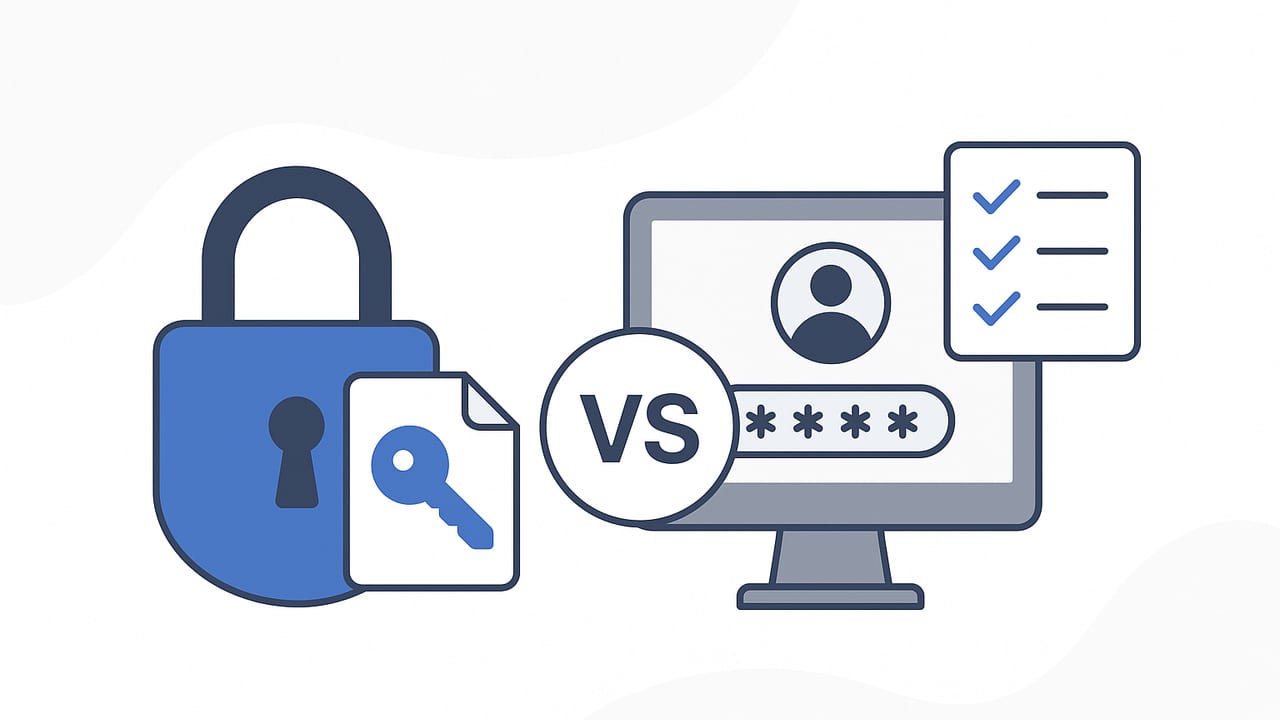
If you’re deciding how to protect credentials, a clear secrets manager vs password manager comparison guide helps you pick the right tool for the job. While both secure sensitive data, they solve different problems. Password managers are built for humans logging into websites and apps. Secrets managers are designed for machines—applications, microservices, CI/CD jobs—securely retrieving and rotating API keys, tokens, certificates, and database credentials at runtime. Choosing incorrectly can create security gaps, operational friction, and compliance headaches.
TL;DR
- Audience: Password managers serve people; secrets managers serve services and automation.
- Secret types: Password managers store website/app passwords and some personal keys. Secrets managers store API keys, tokens, TLS certs, SSH keys, DB creds, and dynamic secrets.
- Access: Password managers rely on user login and browser/desktop apps. Secrets managers rely on workload identity, application auth, and programmatic APIs.
- Rotation: Password managers support manual or semi-automated changes. Secrets managers automate rotation and can issue ephemeral credentials.
- Auditing: Password managers log user actions. Secrets managers log machine access and integrate with SIEMs and policy engines.
- Scale & automation: Password managers simplify human workflows. Secrets managers integrate with CI/CD, containers, and service meshes at scale.
Rule of thumb: If a human needs to remember or type it, think password manager. If software needs to fetch and rotate it automatically, think secrets manager.
Definitions
What is a Password Manager?
A password manager securely stores and autofills usernames and passwords for human users. It helps individuals and teams create strong, unique passwords, use multi-factor authentication (MFA), share credentials safely when needed, and reduce phishing risk via domain matching. Enterprise offerings add shared vaults, access policies, role-based permissions, and audit trails for compliance. Typical usage: logging into SaaS tools, internal web apps, vendor portals, and infrastructure dashboards.
What is a Secrets Manager?
A secrets manager is a centralized service that authenticates workloads (not people) and dispenses secrets to applications programmatically. It enforces least privilege, automates expiration and rotation, and often issues dynamic credentials on-demand (for example, per-connection database logins). It integrates tightly with infrastructure (Kubernetes, serverless platforms, CI/CD), supports strong identity (OIDC, cloud IAM), and emits detailed machine-readable audit logs. Typical usage: retrieving API tokens in a microservice, rotating database passwords without downtime, injecting credentials into containers, and signing short-lived certificates.
Core Differences at a Glance
| Area | Password Manager | Secrets Manager | Why It Matters |
|---|---|---|---|
| Primary user | Humans (employees, contractors) | Workloads (apps, jobs, services) | Determines auth method and user experience |
| Secret types | Website/app passwords, some personal keys | API keys, DB creds, tokens, certs, SSH keys | Scope of protection beyond human logins |
| Retrieval | UI, browser extension, desktop/mobile app | API/SDK, sidecar, environment injection | Automation and non-interactive access |
| Rotation | Manual or scheduled for accounts | Automated, event-driven, dynamic issuance | Reduces secret age and breach blast radius |
| Access control | User roles, shared vaults | Fine-grained policies by service identity | Least privilege for machine-to-machine |
| Integrations | Browsers, SSO, MFA | CI/CD, Kubernetes, cloud IAM, PKI | Fits into the software delivery pipeline |
| Audit | User access history, sharing logs | Detailed machine logs, SIEM integration | Supports IR, detections, and compliance |
| High availability | Good for user access continuity | Essential for production workloads | Prevents outages during deployments |
| Secret delivery | Copy/paste, autofill | Ephemeral mounting, env vars, API fetch | Prevents exposure in logs and UIs |
| Compliance | End-user password hygiene controls | Machine credential governance, key rotation | Meets audit requirements at system scale |
When to Use Each
Use a Password Manager when:
- People need to log into SaaS tools, vendor portals, or shared internal dashboards.
- You want strong password generation, autofill, and phishing-resistant domain checks.
- Teams need shared but controlled access to a small set of accounts.
Use a Secrets Manager when:
- Applications or jobs must securely fetch credentials at runtime with no human present.
- You need automated rotation of database passwords, API tokens, or certificates.
- You’re operating microservices, containers, or multi-cloud environments at scale.
Use Both, by Design
Most organizations require both: password managers for human productivity, secrets managers for machine trust. Integrate them via policy: humans never copy production secrets, and machines never depend on human logins.
Risks of Using the Wrong Tool
- API keys in a password manager: Easy to copy/paste into chat or tickets, rarely rotated, and no workload identity checks. Breaches linger because static keys persist.
- Production DB password in a wiki or shared vault: Leaks via screenshots, browser extensions, or export. No automatic rotation or revocation.
- Forcing humans into a secrets manager: Friction and bypasses. Users resort to local files or screenshots when tooling resists their workflow.
- Embedding secrets in CI/CD variables without a secrets manager: Risks sprawling copies, poor rotation, and insufficient auditability.
Implementation Patterns that Work
Authenticate Workloads, Not Just Users
Use workload identity (e.g., OIDC tokens from your orchestrator or cloud provider) so applications prove who they are to the secrets manager without long-lived static credentials. Issue short-lived tokens and bind access to specific services and namespaces.
Deliver Secrets Securely to Runtimes
- Sidecar or agent injection: Mount secrets into memory or ephemeral files. Avoid persisting to disk.
- Environment variables: Convenient, but be careful—some runtimes log env vars. Scope minimally and scrub logs.
- On-demand retrieval: Fetch at startup or per-request with caching and automatic renewal to minimize exposure time.
Rotate and Use Dynamic Credentials
Prefer dynamic credentials for databases and cloud resources. They reduce blast radius: each service gets its own time-bounded credential, automatically revoked when expired.
Example: Programmatic Secret Fetch with OIDC
# Pseudocode (Python-style) for workload-authenticated secret retrieval
import requests

# 1) Obtain an OIDC JWT from your runtime (Kubernetes, cloud, etc.)
oidc_jwt = open('/var/run/secrets/oidc/token').read().strip()

# 2) Exchange OIDC token for a short-lived client token at the secrets manager
auth_resp = requests.post(
    'https://secrets.example.com/v1/auth/oidc/login',
    json={'jwt': oidc_jwt, 'audience': 'payments-api'}
)
auth_resp.raise_for_status()
client_token = auth_resp.json()['token']

# 3) Use client token to fetch the secret your policy allows
secret_resp = requests.get(
    'https://secrets.example.com/v1/kv/payments/stripe',
    headers={'Authorization': f'Bearer {client_token}'}
)
secret_resp.raise_for_status()
stripe_key = secret_resp.json()['data']['api_key']

# 4) Use the key in memory; never print to logs
charge(stripe_key, amount_cents=500)
This flow ensures the application authenticates as itself, retrieves only the secrets it is authorized to access, and avoids long-lived credentials.
Security and Operations Checklist
Use this checklist to evaluate tools through the lens of a secrets manager vs password manager comparison guide:
Security
- Identity: Does it support MFA/SSO for humans and OIDC/IAM for workloads?
- Isolation: Can you segment secrets by team, environment, and service?
- Rotation: Are rotations automated, event-driven, and safe for zero-downtime?
- Ephemerality: Can it issue short-lived or dynamic credentials?
Operations
- Availability: Is there HA, replication, and disaster recovery for critical paths?
- Performance: Latency and throughput under load; caching without leaking secrets.
- Observability: Structured audit logs, metrics, and SIEM integrations.
Developer Experience
- APIs/SDKs: First-class libraries, secret templating, and CLI tools.
- Integrations: CI/CD, container orchestrators, serverless, PKI, SSH CA.
- Policy as code: Versioned, reviewable policies in your repo.
Governance & Compliance
- Access reviews: Can you attest who can access which secret and why?
- Evidence: Exportable reports for audits (rotation, access, exceptions).
- Data residency: Controls for where secrets and logs live.
Cost & Scalability
- Pricing model: Seats vs requests vs secrets count—fit it to usage patterns.
- Scale: Performance across environments, tenants, and regions.
- Operational overhead: Managed vs self-hosted trade-offs.
Practical Scenarios
Scenario 1: SaaS-Heavy Business Team
Marketing, finance, and HR primarily use SaaS. A password manager delivers unique passwords, shared vaults for team accounts, MFA, and audit logs for access reviews. A secrets manager may still be used by IT for SSO integration, service accounts, or automation tasks—but isn’t the daily tool for these users.
Scenario 2: Microservices and CI/CD
Engineering runs hundreds of services on Kubernetes with frequent deployments. A secrets manager authenticates workloads via OIDC, injects short-lived tokens into pods, rotates database credentials continuously, and feeds audit data into SIEM. Password managers still help engineers log into consoles and vendor portals.
Scenario 3: Regulated Environments
Where standards demand rotation, least privilege, and evidence (e.g., PCI DSS, SOC 2, HIPAA), a secrets manager provides machine identity, automated rotation, and tamper-evident logs. Password managers complement this by enforcing strong human password hygiene and controlled sharing.
FAQs
Can a password manager replace a secrets manager?
No. Password managers are optimized for people and web logins; secrets managers are designed for automated, non-interactive access by software and infrastructure.
Are secrets managers and password managers complementary?
Yes. Most organizations use both. The key is clear boundaries: humans use password managers; applications use secrets managers.
Which tool handles SSH keys and certificates?
Secrets managers generally handle SSH certificate authorities and TLS certificate issuance/renewal. Password managers may store static keys but won’t automate issuance or rotation.
What about service accounts for third-party SaaS?
If humans log in, store credentials in a password manager with MFA and sharing controls. If an integration uses tokens or API keys, manage them in a secrets manager with policies and rotation.
Conclusion
Choosing between a secrets manager and a password manager is not either-or. Each addresses a different security boundary—people versus workloads. Use a password manager to strengthen human access hygiene and a secrets manager to automate machine trust, rotation, and auditability. Start with clear policies that separate human and machine secrets, enable workload identity, and verify everything with audit evidence. For teams seeking a secure, automation-friendly way to protect machine credentials, platforms like Vaulify can help implement these practices without adding friction.