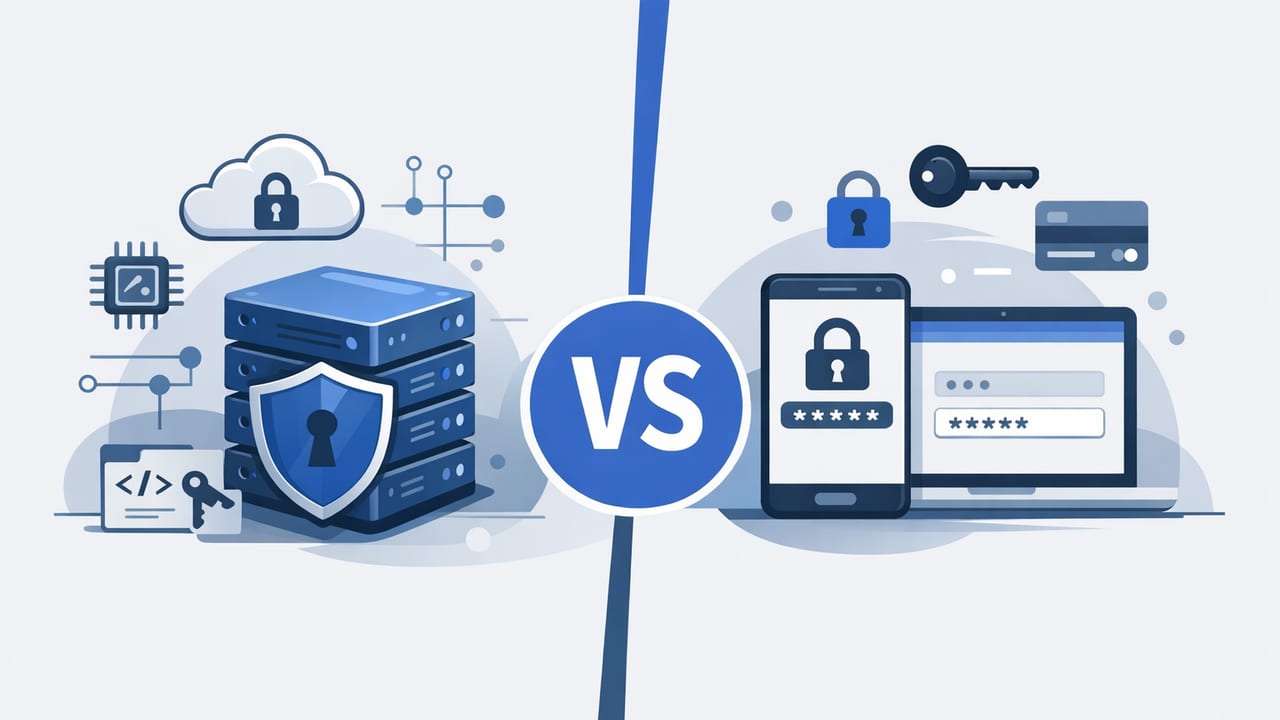
Most organizations start by securing human logins—email, VPN, SaaS admin panels—then quickly run into a different problem: applications need secrets too. Database credentials, API keys, OAuth client secrets, TLS private keys, signing keys, and webhook tokens are everywhere, and they behave nothing like employee passwords.
This is why the question “compare secrets manager vs password manager” matters. The tools overlap in concept (store sensitive values securely), but they are optimized for different users, workflows, and risk models. Choosing the wrong one can lead to brittle deployments, secret sprawl, failed audits, or worse—leaked credentials in source code and logs.
Quick definitions
What is a password manager?
A password manager is primarily designed for humans. It stores and autofills passwords, generates strong passwords, helps with secure sharing, and often includes features like breach monitoring and MFA integration. Its typical use case is an employee signing into websites and apps.
What is a secrets manager?
A secrets manager is designed for machines and automated systems. It stores and brokers access to secrets used by applications and infrastructure, with emphasis on programmatic retrieval, least privilege access, audit logging, and automation such as rotation and short-lived credentials.
Rule of thumb: If a person types it, it’s often a password manager problem. If a service uses it, it’s typically a secrets management problem.
Secrets manager vs password manager: side-by-side comparison
| Capability | Password Manager | Secrets Manager |
|---|---|---|
| Primary user | Humans (employees, contractors) | Applications, CI/CD, servers, containers |
| Access pattern | UI + browser extension, manual retrieval | API/SDK/CLI, automated retrieval |
| Secret types | Logins, notes, credit cards | API keys, DB creds, TLS keys, tokens, signing keys |
| Rotation | Usually manual, user-driven | Often automated; supports scheduled or event-driven rotation |
| Granular machine auth | Limited (not the core design) | Strong focus (workload identity, IAM, service-to-service) |
| Audit logging | Who accessed which entry (varies) | Detailed access logs for compliance and incident response |
| Integration with CI/CD | Possible but often clunky | First-class: pipelines pull secrets at runtime |
| Secret delivery | Copy/paste or autofill | Inject into runtime (env vars, files, sidecars), avoid persistence |
Why password managers struggle with application secrets
Password managers shine for employee productivity and reducing password reuse, but application secrets introduce requirements they weren’t built to meet:
- Non-human authentication: A Kubernetes workload or CI runner can’t click a browser extension.
- Frequent rotation: API security best practices often require rotating keys regularly—manual updates don’t scale.
- Blast radius control: Modern systems need fine-grained, role-based access so each service only gets what it needs.
- Runtime delivery: Secrets should be fetched just-in-time and not baked into images, repos, or long-lived config.
- Audit and compliance: Security teams often need immutable logs of access and policy changes.
In practice, teams that force-fit a password manager for infrastructure secrets often end up with “temporary” workarounds: secrets pasted into CI variables, copied into wikis, or committed into configuration files. Those workarounds are exactly what secrets management aims to eliminate.
Where a secrets manager can be the wrong tool
It’s also possible to over-engineer. A secrets manager is not automatically the best tool for every sensitive value:
- Individual logins: Employees still need a reliable way to store and autofill personal and shared account credentials.
- Day-to-day usability: The best secrets managers optimize for automation, not for browsing a vault of website logins.
- Simple teams with few systems: If you have no CI/CD and a couple of shared accounts, a password manager may cover most needs initially.
The most secure environments often use both: a password manager for human access and a secrets manager for workloads and automation.
Key differences that matter in real systems
1) Authentication and identity (human vs workload)
Password managers typically authenticate a user with MFA and unlock an encrypted vault. Secrets managers often integrate with workload identity and IAM policies: the system (not a person) proves who it is, then receives scoped access. This is critical for microservices and ephemeral infrastructure.
2) Delivery model (copy/paste vs just-in-time)
Copying a credential into a terminal or pipeline is where leaks happen—shell history, logs, screenshots, chat messages. Secrets managers focus on just-in-time retrieval via API and on short-lived delivery (for example, injecting into an environment variable at runtime and never writing it to disk).
3) Rotation and lifecycle automation
Rotation is not just changing a password—it’s coordinating changes across producers and consumers. A secrets manager is built to help with:
- Automated rotation schedules (e.g., every 30 days)
- Safe rollovers (dual credentials during a transition)
- Revocation when an incident occurs
4) API security and CI/CD integration
Application delivery pipelines need secrets for actions like pulling private dependencies, deploying to cloud providers, signing artifacts, or pushing images. With a secrets manager, pipelines can fetch secrets at runtime and keep them out of repos and static environment configs.
Practical examples: what “good” looks like
Example A: API key in a repo vs runtime injection
Risky pattern (hard-coded or stored in a config file):
// config.js (do not do this)
module.exports = {
  thirdPartyApiKey: "sk_live_123456..."
};
Better pattern (fetch at runtime from a secrets manager, then keep it in memory):
// pseudo-code
const secret = await secretsClient.get("third-party/api-key");
thirdPartyClient.configure({ apiKey: secret.value });
This approach reduces accidental exposure in source control and supports rotation without code changes.
Example B: Database credentials with rotation-safe rollout
When rotating a database password, the hard part is preventing downtime. A common approach is:
- Create a new DB credential alongside the old one.
- Update applications to read the credential from the secrets manager.
- Restart/roll deployments gradually so instances pick up the new secret.
- Revoke the old credential once usage drops to zero.
Password managers rarely provide guardrails for this kind of staged, automation-friendly rotation.
Selection checklist: how to choose between them
Use this checklist to decide whether you need a password manager, a secrets manager, or both.
Choose a password manager if you primarily need:
- Autofill for websites and SaaS tools
- Secure sharing of human logins across teams
- User-friendly vault organization (folders, tags, UI)
- Password hygiene (generators, reuse detection)
Choose a secrets manager if you primarily need:
- Programmatic access (API/SDK) for apps and infrastructure
- CI/CD integration and automated deployments
- Centralized policy control (least privilege for services)
- Rotation automation for credentials and tokens
- Audit logging for compliance and incident response
Use both when:
- Developers need a password manager for day-to-day logins and your platform needs automated secrets management.
- You want to separate human credentials from machine credentials to reduce risk and simplify governance.
Common pitfalls (and how to avoid them)
Pitfall 1: Treating environment variables as “secure enough”
Environment variables are convenient but not inherently secure. They can leak via debug endpoints, crash dumps, misconfigured logging, or process inspection. If you use env vars, prefer a model where values are injected at runtime from a secrets manager and rotated regularly.
Pitfall 2: Over-sharing “just in case”
Whether it’s a shared folder in a password manager or a broad policy in a secrets manager, excessive access increases blast radius. Aim for:
- Least privilege by default
- Time-bound access for elevated operations
- Separation of duties for production secrets
Pitfall 3: No inventory of secrets
You can’t protect what you can’t find. A baseline practice is maintaining a secrets inventory: what secrets exist, where they’re used, who owns them, and rotation expectations.
How to approach rollout in a real organization
- Start with high-impact targets: production API keys, database credentials, and CI/CD deploy tokens.
- Standardize secret naming: consistent paths like
env/service/secret-namereduce confusion. - Automate first, then expand: integrate with CI/CD and runtime platforms (VMs, containers, Kubernetes).
- Implement rotation policies: define which secrets rotate, how often, and how rollovers are handled.
- Measure and audit: review access logs, unused secrets, and overly broad permissions regularly.
Bottom line: what the comparison should drive
When you compare secrets manager vs password manager, the decision shouldn’t be framed as “which is more secure” in the abstract. It should be framed as: which tool matches the way the secret is used.
- If the secret is used by people interacting with web apps, a password manager is usually the right foundation.
- If the secret is used by software—services, scripts, pipelines, infrastructure—a secrets manager is the appropriate control point for automation, auditing, and policy enforcement.
If you’re evaluating secrets management platforms for automated, compliance-friendly workflows, you can explore solutions like Vaulify alongside your broader security and operations requirements.