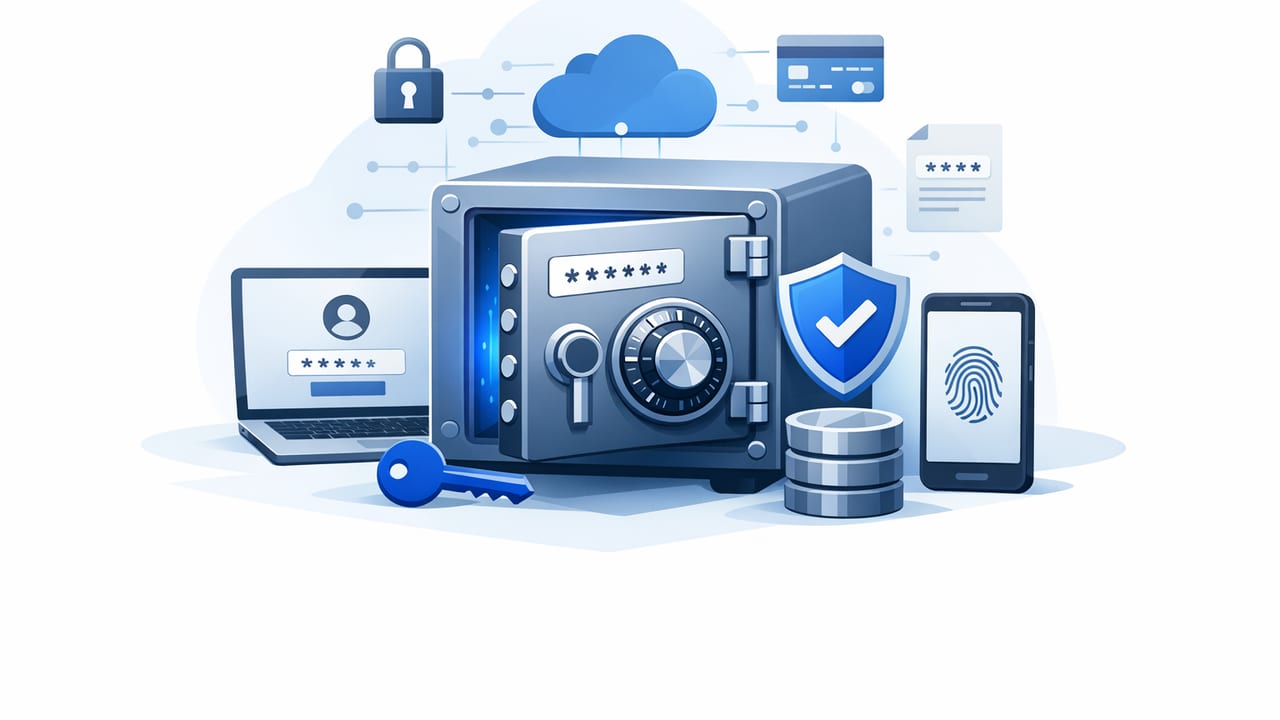
Password vaults are no longer just “a safer place to store logins.” In modern organizations, they sit at the center of secrets management, API security, and day-to-day operational safety—supporting human access, automation, and compliance. This guide explains how password vaults work, what “good” looks like in practice, and how to deploy and govern them without slowing teams down.
What are password vaults (and what problem do they actually solve)?
Password vaults are systems designed to store sensitive credentials—passwords, SSH keys, database credentials, API tokens—using strong encryption and controlled access. The core problems they solve are:
- Sprawl: credentials scattered across spreadsheets, wikis, chat apps, browser notes, or shared inboxes.
- Over-permission: too many people can see or export secrets they don’t need.
- Weak lifecycle hygiene: secrets never rotate, outlive the projects they were created for, and remain valid after offboarding.
- Poor auditability: limited evidence of who accessed what, when, and why—making incident response and compliance painful.
In the best implementations, a vault becomes a control plane for credentials—combining encryption, access policies, logging, and automation so secrets are usable and governed.
Password vaults vs. secrets managers: where the boundary really is
You’ll often see “password vault” used interchangeably with “secrets manager,” but the intent differs:
- Password vaults commonly focus on human workflows: sharing, approvals, credential check-out, and session recording.
- Secrets managers typically focus on machine workflows: injecting secrets into apps, short-lived credentials, rotation APIs, and CI/CD integrations.
Many modern platforms blur the lines. When evaluating password vaults, treat them as part of a broader secrets management strategy—especially if you need automation, ephemeral access, or integration with cloud and Kubernetes.
How password vaults work (in practical terms)
Most password vaults implement a similar set of security and usability features:
- Encryption at rest: secrets are stored encrypted (ideally with strong, vetted cryptography and clear key management practices).
- Encryption in transit: TLS for all client-server and API communications.
- Identity and access control: SSO/SAML/OIDC integration, MFA, RBAC/ABAC policies, and just-in-time access patterns.
- Auditing: immutable logs for access events, policy changes, exports, and admin actions.
- Secure sharing primitives: folders/projects, groups, granular permissions, approvals, and optional check-out/check-in.
- Automation hooks: APIs, webhooks, and integrations for CI/CD, ticketing systems, and rotation.
Rule of thumb: A vault that can’t reliably answer “who accessed this secret, from where, and under which policy?” is a storage tool—not a security control.
Common deployment models (and what to choose)
Password vaults come in a few common shapes. Your choice should reflect risk tolerance, compliance, and operational bandwidth.
| Model | Best for | Key advantages | Key trade-offs |
|---|---|---|---|
| Cloud-hosted | Teams that want speed and managed ops | Fast rollout, automatic updates, fewer internal dependencies | Vendor trust, data residency constraints, integration review |
| Self-hosted | Strict residency / bespoke controls | More control over environment and networking | Patch management, HA/DR design, monitoring burden |
| Hybrid | Mixed compliance and operations | Flexible boundaries (e.g., sensitive workloads on-prem) | More moving parts, more integration complexity |
If you’re unsure: choose the model you can operate securely. A “perfectly controlled” self-hosted vault that lags on patches is often riskier than a well-managed cloud-hosted system.
Security controls that matter most for password vaults
1) Strong authentication and identity integration
Require MFA, integrate with your identity provider, and avoid local accounts where possible. Enforce:
- SSO (SAML/OIDC) with conditional access policies
- Phishing-resistant MFA for admins and privileged groups
- Device posture checks for high-risk actions (export, admin changes)
2) Least privilege with clear ownership
Design vault structure around systems and teams (not individuals). A simple approach is:
- Folders/projects per application or service boundary
- Groups mapped to job functions (SRE, Finance Ops, Support)
- Owners accountable for each secret set (with a defined backup owner)
3) Audit logging that supports investigations
Look for logs covering:
- Secret read/view/copy/export events
- Policy and permission changes
- Creation, rotation, deletion, restore actions
- Admin actions and authentication events
Send logs to your SIEM and define alerting for unusual patterns (e.g., mass reads, off-hours exports, access from new geographies).
4) Rotation and time-bounded access
Storing passwords securely is only half the job. Prefer vaults that support:
- Scheduled rotation for shared credentials and service accounts
- Just-in-time access with approvals for high-risk secrets
- Short-lived credentials where possible (especially for cloud and databases)
Implementation blueprint: deploy without chaos
A pragmatic rollout plan for password vaults typically follows these phases:
- Inventory: identify where secrets live today (repos, CI variables, spreadsheets, wiki pages, chat logs).
- Classify: tag secrets by criticality (production admin, customer data access, financial systems, etc.).
- Model access: map roles to secrets; define owners; choose approval flows for privileged access.
- Migrate in waves: start with high-risk shared passwords and production credentials.
- Automate: integrate with CI/CD and infrastructure tools to reduce manual secret handling.
- Enforce: add guardrails (policy checks, PR scanning for leaked secrets, and rotation SLAs).
During migration, avoid a “big bang.” Instead, pick a single domain (e.g., production database credentials) and make it exemplary: least privilege, logging to SIEM, rotation, break-glass procedure, and documentation.
Practical example: using a vault in CI/CD without exposing secrets
The goal is to avoid long-lived secrets in repositories or build logs. A common pattern is: the pipeline authenticates to the vault using an identity token, fetches a secret at runtime, and injects it into the job environment.
# Pseudocode for CI job step
# 1) obtain an identity token from your IdP (OIDC) provided by the CI platform
OIDC_TOKEN="$CI_OIDC_TOKEN"

# 2) exchange it for a vault access token (scoped and short-lived)
VAULT_TOKEN=$(curl -s -X POST https://vault.example.com/auth/oidc/exchange \
  -H "Content-Type: application/json" \
  -d "{\"oidc\": \"$OIDC_TOKEN\", \"audience\": \"ci\"}" | jq -r .token)

# 3) fetch secret at runtime
DB_PASSWORD=$(curl -s https://vault.example.com/v1/secrets/prod/db \
  -H "Authorization: Bearer $VAULT_TOKEN" | jq -r .data.password)

# 4) use it without printing
export DB_PASSWORD
./run-migrations --db-password "$DB_PASSWORD"
Key hardening tips:
- Do not echo secrets to logs; disable verbose modes that may print environment variables.
- Scope the vault token to the smallest set of secrets and shortest TTL.
- Bind access to workload identity (repo, branch, environment, runner type).
Governance: policies that keep password vaults healthy
Password vaults often degrade over time without explicit governance. Put these lightweight policies in place:
Rotation SLAs by risk level
- Tier 0 (break-glass, domain admin): rotate after every use or on a tight schedule; require approvals.
- Tier 1 (production services, payment systems): rotate regularly; enforce access reviews.
- Tier 2 (non-prod, internal tools): rotate on a reasonable cadence; limit sharing.
Quarterly access reviews
At minimum, review:
- All admin roles
- All production folders/projects
- Third-party or vendor access
Break-glass procedure
Define a controlled emergency access path (e.g., an audited account with approvals and automatic rotation). Practice it. A break-glass plan that nobody has tested is not a plan.
Selection checklist: evaluating password vaults
When comparing options, prioritize operational security over feature checklists. Ask vendors (or internal stakeholders) for concrete answers to:
- Access control: Can you implement least privilege easily (RBAC/ABAC, approvals, time-bound access)?
- Auditability: Are logs complete, exportable, and tamper-resistant? Can they integrate with your SIEM?
- Automation: Are APIs stable? Are there integrations for CI/CD, cloud IAM, Kubernetes, and ticketing?
- Rotation: Does rotation cover your real systems (databases, SSH, cloud keys), or only stored strings?
- Key management: How are encryption keys protected? Is there support for customer-managed keys if required?
- Resilience: What is the HA/DR story? What happens if the vault is unavailable?
- Data protection: Data residency options, backup encryption, and secure deletion behavior.
Common pitfalls (and how to avoid them)
- Using the vault as a dumping ground: fix by requiring owners, tags, and review cadence for every folder.
- Over-sharing via broad groups: fix by designing groups around roles and environments (prod vs non-prod).
- Storing secrets but not rotating them: fix by defining rotation SLAs and automating where possible.
- No alerts on vault events: fix by sending logs to SIEM and alerting on exports, mass reads, and admin changes.
- Ignoring developer experience: fix by offering a supported path for CI/CD and local development that avoids copy/paste.
Conclusion
Well-implemented password vaults reduce breach likelihood, shorten incident response, and make compliance far less painful—while giving teams a reliable way to access credentials without risky workarounds. Focus on identity integration, least privilege, auditability, and automation. Then back it with governance: rotation SLAs, access reviews, and a tested break-glass process.
If you’re building or maturing a secrets management program, platforms like Vaulify aim to combine secure storage with automation and compliance-friendly auditing—useful qualities to look for as you evaluate your options.