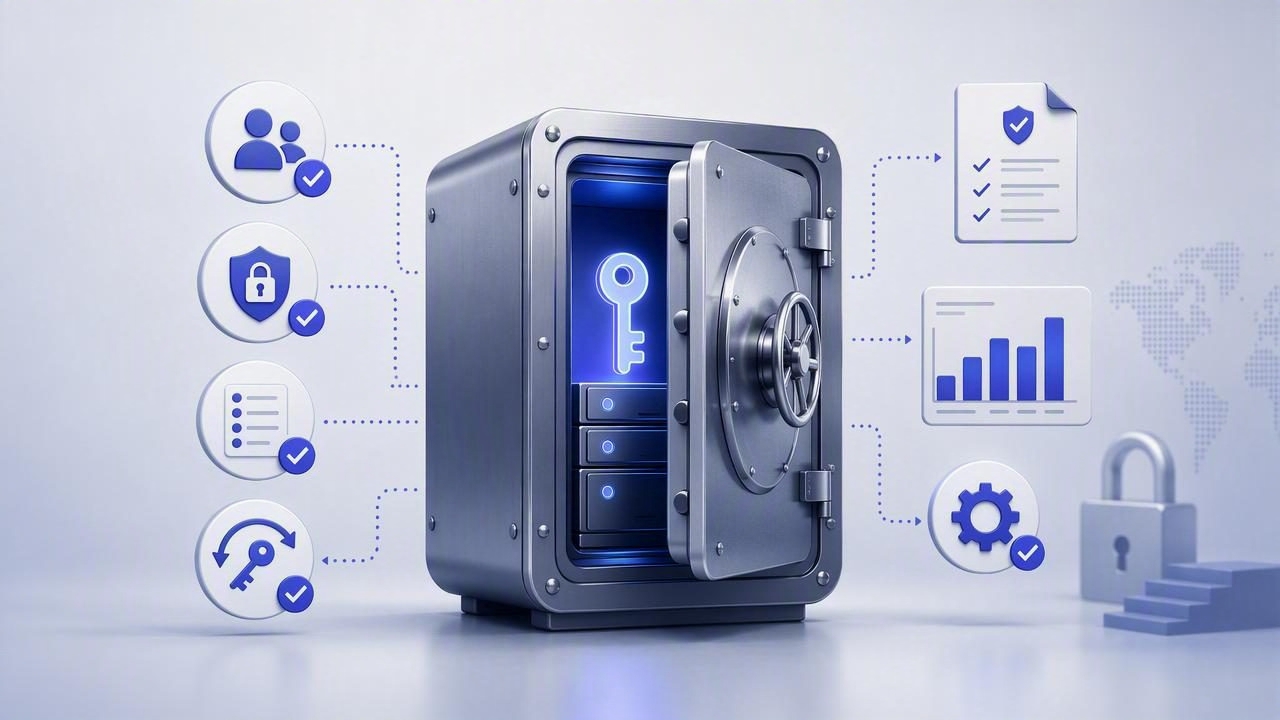
Security teams rarely struggle to explain why secrets management matters. The hard part is building a system that is secure and stands up to audits, customer due diligence, and internal governance. A vault that works for developers but fails compliance checks creates operational drag: exceptions, manual evidence gathering, and fragile “temporary” processes that become permanent.
This guide explains what a compliance ready vault looks like in practice: the controls you need, the architecture patterns that reduce audit scope, and the automation that turns security policies into repeatable workflows. It’s written for security, platform, and engineering leads who need a pragmatic blueprint rather than a product pitch.
What “compliance-ready” actually means
Compliance isn’t a single standard. You may be working toward SOC 2, ISO 27001, PCI DSS, HIPAA, or internal risk frameworks. A vault becomes “compliance-ready” when it consistently produces evidence that required controls are operating effectively—without heroics.
In secrets management, auditors and customers typically care about:
- Access control: least privilege, separation of duties, and strong authentication.
- Auditability: immutable logs of who accessed what, when, and from where.
- Cryptographic protection: encryption at rest/in transit, key management, and secure backups.
- Operational discipline: rotation, revocation, lifecycle tracking, and incident response.
- Change management: approvals, versioning, and infrastructure-as-code traceability.
Core design principles for a compliance ready vault
1) Centralize secrets, decentralize access
Centralizing storage reduces sprawl (and audit scope), but access should be distributed through role-based policies. Avoid one shared “vault admin” credential used by multiple people; it destroys accountability. Instead, use individual identities and roles with time-bound permissions.
2) Make human access the exception
Compliance becomes easier when applications retrieve secrets through short-lived machine identities rather than humans copying values into dashboards or CI variables. Use workload identity (Kubernetes service accounts, cloud workload identities, OIDC for CI) to reduce manual handling.
3) Prefer short-lived credentials over static secrets
Where possible, generate credentials dynamically (database users, cloud tokens, ephemeral API keys). Static secrets can be managed, but they require more rotation and more incident response overhead.
4) Treat policies and configuration as code
Auditors love repeatability. Define access policies, namespaces/projects, and rotation schedules in version control, review them, and deploy changes through CI/CD with approvals.
Control checklist: what auditors will ask you to prove
Use the checklist below to validate whether your vault is truly compliance-ready. If you can’t produce evidence quickly, you’ll end up collecting screenshots and exporting logs during audit season.
- Identity and authentication: SSO, MFA, and no shared accounts.
- Authorization model: RBAC/ABAC policies mapped to job functions.
- Break-glass access: tightly controlled emergency path with monitoring and approvals.
- Audit logs: tamper-evident, retained, searchable, and exportable.
- Encryption: at rest and in transit, with documented key management practices.
- Secret lifecycle: creation, rotation, expiration, and revocation are standardized.
- CI/CD integration: secrets injected at runtime, not stored in build logs or artifacts.
- Environment separation: dev/test/prod boundaries enforced by policy.
- Third-party access: vendor access is time-boxed and scoped.
- Monitoring and alerting: anomalous access and policy changes generate alerts.
Mapping common compliance requirements to vault capabilities
The table below helps translate audit language into concrete vault features and evidence artifacts.
| Control area | What the vault should do | Evidence to keep |
|---|---|---|
| Least privilege | Role-based policies per app/team; deny-by-default; scoped paths/namespaces | Policy definitions in Git; access review records |
| Strong authentication | SSO + MFA for humans; workload identity for services; no shared credentials | SSO configuration; list of enabled auth methods |
| Logging and monitoring | Immutable audit logs; log shipping to SIEM; alerts on sensitive events | Sample log exports; SIEM alert rules; retention settings |
| Secret rotation | Automated rotation; verification checks; safe rollback strategy | Rotation schedules; runbooks; rotation success metrics |
| Change management | Policy/config changes via pull requests; approvals; traceability | PR history; change tickets; deployment logs |
| Data protection | Encryption at rest/in transit; secure backup; key management separation | Architecture diagram; key management procedures; backup tests |
Architecture patterns that reduce compliance risk
Pattern A: Namespace per environment and business domain
Structure secrets so policies mirror real boundaries. A practical scheme is:
- /prod/, /staging/, /dev/ separation
- Within each: /payments/, /core-api/, /data-platform/, etc.
This makes access reviews and audit sampling easier because permissions align with ownership and risk.
Pattern B: “Runtime fetch” for apps, not “stored in config”
For API security and data protection, the safest default is: applications retrieve secrets at startup or on-demand using an identity token, and cache them in memory only as needed. Avoid embedding secrets in container images, CI variables, or static config files.
Pattern C: Separate admin duties
One of the most common audit findings is excessive privilege. Split responsibilities:
- Vault operators: manage infrastructure, upgrades, availability.
- Security admins: manage auth methods, global policies, break-glass controls.
- App owners: manage secrets within their namespace (with guardrails).
Policy-as-code example (least privilege)
Below is a simplified example of how a team policy might restrict access to only the secrets it owns. Adapt the syntax to your vault technology, but keep the principles: deny-by-default and minimal paths.
# Example policy: payments service can read only its prod runtime secrets
# Deny-by-default assumed

path 'prod/payments/runtime/*' {
  capabilities = ['read']
}

# Allow listing only within the service prefix (helps debugging without broad exposure)
path 'prod/payments/runtime' {
  capabilities = ['list']
}

# No write, no delete in prod
For compliance, store policies in a repository, require approvals, and tag releases. That creates a clear trail for access control changes.
Automation: rotation without downtime (and with evidence)
Rotation is where many teams fall back to manual processes because they fear outages. A compliance-ready approach uses automation with safety checks.
A practical rotation workflow
- Create new credential (or new version) and store it as “next”.
- Deploy apps to accept both “current” and “next” during a transition window.
- Switch the vault pointer/alias so apps read “current = next”.
- Verify authentication success metrics and error rates.
- Revoke old credential and close the window.
Sample pseudo-automation (CI job)
# Pseudocode: rotate an API key with verification steps

rotate_api_key(service):
  new_key = provider.create_key(service)
  vault.write('prod/' + service + '/runtime/api_key_next', new_key)

  deploy(service, accept_both_keys=true)

  vault.promote('prod/' + service + '/runtime/api_key_next',
                'prod/' + service + '/runtime/api_key')

  if metrics.error_rate(service) > threshold:
    vault.rollback('prod/' + service + '/runtime/api_key')
    alert('Rotation rollback executed')
    return 'failed'

  provider.revoke_old_key(service)
  vault.delete('prod/' + service + '/runtime/api_key_next')
  return 'success'
For audits, keep rotation logs, change requests, and a rotation schedule. Automation isn’t only about speed—it’s about consistent, reviewable execution.
Audit logs: make them usable, not just “enabled”
Turning on audit logging is necessary but not sufficient. A compliance-ready vault should produce logs that are:
- Attributable: tied to a unique identity (human or workload).
- Complete: includes reads as well as writes and policy changes.
- Centralized: shipped to a SIEM/log platform with retention controls.
- Actionable: alerts for anomalous patterns (e.g., sudden spikes in secret reads).
Recommended alert conditions include: access from new geographies, access outside expected CI windows, repeated denials (possible probing), and changes to authentication methods or root policies.
Common pitfalls that break compliance (and how to avoid them)
Over-broad “developer” roles
Fix by creating roles per service or per team namespace, and enforce production read access through tightly scoped groups. Production write/delete should be rare and heavily governed.
Secrets in CI logs and artifacts
Fix by injecting secrets at runtime and masking outputs. Ensure build steps never echo environment variables and that debug logs are reviewed.
Long-lived vendor access
Fix by issuing time-bound access with explicit scoping and a ticket reference. Record approvals and monitor vendor actions in audit logs.
Manual evidence collection
Fix by standardizing monthly evidence exports: access review snapshots, rotation reports, and policy change logs. Automate reports where possible so audits don’t interrupt engineering work.
Implementation plan: from “vault exists” to compliance-ready
- Inventory all secret locations (repos, CI, wikis, cloud consoles) and migrate in priority order.
- Define a naming scheme for paths/namespaces that mirrors org ownership and environments.
- Integrate identity: SSO + MFA for humans, workload identity for services.
- Write baseline policies: deny-by-default, least privilege, separation of duties.
- Enable audit logging and ship logs to a central platform with retention.
- Automate rotation for the highest-risk credentials first (cloud keys, production DB creds, critical APIs).
- Run access reviews on a cadence (monthly/quarterly) and document exceptions.
- Test incident response: simulate a leaked credential and prove revoke + rotate works quickly.
Final thought
A vault becomes compliance-ready when it turns security expectations into repeatable workflows—and produces evidence by default.
If you’re evaluating options, look for a platform that supports strong identity integration, granular policies, automation hooks, and audit-grade logging without creating friction for developers. Some teams use tools like Vaulify to balance secure secrets management with operational simplicity, but the principles above apply regardless of vendor.