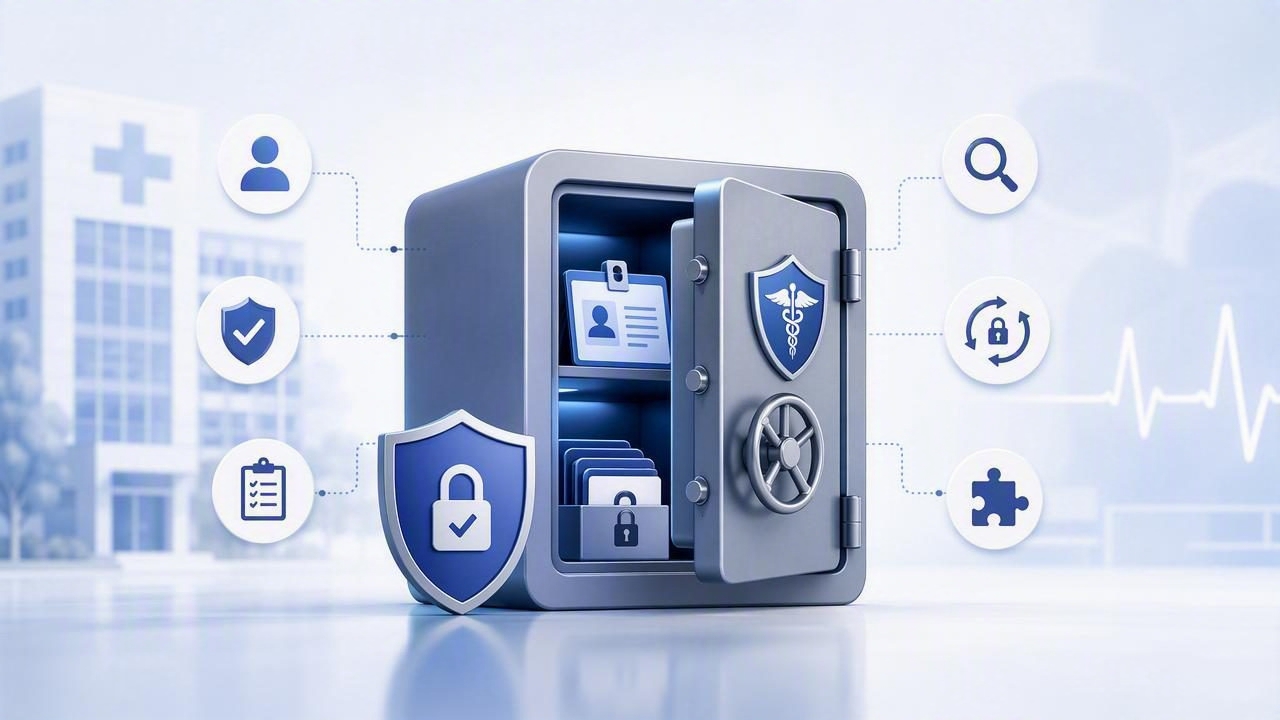
Healthcare environments run on credentials: EHR admin logins, database passwords, service accounts, API keys for lab systems, SFTP keys for claims, and tokens that power patient portals. When those secrets are scattered across spreadsheets, shared inboxes, ticket comments, or static app configs, the result is predictable—overbroad access, weak traceability, and elevated breach risk.
This guide explains what a hipaa friendly credential vault for healthcare should do, how it maps to HIPAA expectations, and how to implement it in a way that supports day-to-day operations (clinicians, IT, DevOps, vendors) without sacrificing security or uptime.
Why healthcare needs a dedicated credential vault
Healthcare is uniquely exposed because it combines:
- High-value data (PHI) and regulated workflows
- Legacy systems that may not support modern identity protocols
- Complex third-party ecosystems (billing, imaging, labs, MSPs)
- Always-on operations where downtime can impact care
A credential vault centralizes secrets management so you can enforce consistent access controls, secure storage, automated rotation, and auditable retrieval. The goal is not just “encryption,” but controlled use: who accessed what, when, from where, and for what purpose.
HIPAA context: what you’re trying to satisfy
HIPAA doesn’t mandate a specific product or architecture. It requires reasonable and appropriate safeguards to protect electronic PHI (ePHI). A credential vault typically supports compliance by enabling strong technical controls and evidence for audits.
Practical interpretation: HIPAA expects that access to systems containing ePHI is restricted, monitored, and reviewed. Secrets are a direct pathway to that access.
How a vault supports HIPAA safeguards
| HIPAA safeguard area | What auditors look for | Vault controls that help |
|---|---|---|
| Administrative | Policies, least privilege, access reviews | Role-based access control (RBAC), approvals, reporting, access attestations |
| Technical | Unique user IDs, authentication, audit controls | SSO/MFA, per-user traceable access, immutable audit logs, session recording (where applicable) |
| Technical | Transmission and storage security | Encryption at rest/in transit, HSM/KMS support, TLS enforcement, key rotation |
| Technical | Integrity and change control | Versioning, write restrictions, tamper-evident logging, dual control for sensitive secrets |
| Physical/Operational | Secure operations and incident response readiness | Break-glass workflows, emergency access logging, rapid revocation, centralized alerts |
Core requirements for a HIPAA-friendly credential vault
Use this checklist to evaluate (or design) a vault that fits healthcare realities.
1) Strong identity, authentication, and least privilege
- SSO integration (SAML/OIDC) with MFA enforcement
- RBAC aligned to job function (e.g., helpdesk vs. DBA vs. integration engineer)
- Granular scoping by app, environment, site/location, and data domain
- Just-in-time access with time-bound permissions for elevated tasks
2) Secure storage and cryptographic hygiene
- Encryption at rest and in transit; modern ciphers; TLS hardening
- Separation of duties for key management (KMS/HSM support if required)
- Secret versioning and safe rollback (critical for clinical systems)
3) Auditability that stands up to scrutiny
- Immutable audit logs (append-only) for reads, writes, shares, policy changes, and admin actions
- High-fidelity events: actor, target secret, timestamp, source IP/device, auth method, result
- Export to SIEM (Splunk, Sentinel, etc.) with alerting rules
4) Automation: rotation and dynamic credentials
Manual rotation is where good intentions go to die. Healthcare systems often have tightly coupled dependencies, so rotation must be predictable and testable.
- Automated rotation for databases, service accounts, and API tokens
- Dynamic secrets (ephemeral credentials) where supported: short TTL, auto-expire
- Pre-rotation validation and post-rotation health checks
5) Safe workflows for humans and vendors
- Approval workflows for high-risk secrets (e.g., EHR admin)
- Vendor access with scoped permissions, time limits, and complete auditing
- Break-glass access for emergencies with mandatory justification and review
Architecture patterns that work in healthcare
Pattern A: Central vault + app identity (recommended)
Applications authenticate to the vault using workload identity (Kubernetes service account, VM identity, IAM role). The app retrieves secrets at runtime and caches them briefly.
- Pros: fewer static secrets in configs, consistent policy enforcement, easier rotation
- Cons: requires careful availability planning (HA vault, regional redundancy)
Pattern B: Vault-backed secret injection for legacy apps
For systems that can’t call an API, use an agent/sidecar to inject secrets into a file or environment variable with short-lived renewal.
- Pros: minimal app changes
- Cons: must secure the host and local cache; ensure least privilege
Pattern C: Privileged access with session controls
For interactive admin access (SSH/RDP/database console), use vault-controlled workflows (checkout, one-time passwords, session brokering, or audited command execution).
- Pros: best for sensitive infrastructure and third-party support
- Cons: more process change; requires training and playbooks
Implementation plan (step-by-step)
-
Inventory secrets and owners
Start with systems that touch ePHI: EHR integrations, clinical databases, interface engines, imaging, and patient portal components. Identify where secrets live today and who uses them.
-
Define a healthcare-aligned access model
Create roles that match reality: Integration Engineer, On-Call SRE, DBA, Helpdesk Tier 2, Vendor-Lab, Vendor-Billing. Avoid “IT-Admins” with blanket access.
-
Set baseline policies
- Require SSO + MFA for all interactive access
- Separate prod vs. non-prod access
- Time-bound elevated permissions
- Two-person rule for the most sensitive secrets (optional but common)
-
Turn on auditing and SIEM export on day one
Healthcare investigations often start with “who accessed what?” Make sure vault logs are retained, protected from tampering, and searchable.
-
Migrate in phases
Move “high blast radius” credentials first (shared admin passwords, integration API keys). Then move developer and CI/CD secrets. Finally, tackle legacy edge cases.
-
Automate rotation with safeguards
Use maintenance windows where needed. For critical services, implement dual credential strategies (introduce new credential, deploy, cut over, then revoke old) to avoid downtime.
-
Run access reviews and tabletop exercises
Quarterly access reviews are common. Also simulate an incident: revoke a vendor token, rotate a database credential, validate alerts, and confirm clinical operations continue.
Example: policy rules for time-bound vendor access
The exact syntax varies by platform, but the logic should be consistent: vendor accounts can read only a limited set of secrets, only during an approved time window, and only with MFA.
# Pseudocode policy logic (illustrative)
rule allow_vendor_access(request):
  assert request.user.group == "vendor-billing"
  assert request.auth.mfa == true
  assert request.resource.path startsWith "/prod/billing/"
  assert request.action in ["read"]
  assert request.time within approved_window(request.user)
  assert request.source_ip in allowlisted_vendor_ips
  return ALLOW
Even if you don’t implement “approved windows” immediately, MFA + scoping + logging is a strong baseline.
Operational details that matter in audits (and real incidents)
Break-glass access without chaos
In healthcare, emergencies happen. A break-glass workflow should:
- Require explicit justification (free text + incident/ticket ID)
- Grant time-limited access (e.g., 30–120 minutes)
- Trigger immediate alerts to security/IT leadership
- Require post-event review and documentation
Prevent “secret sprawl” in tickets and chat tools
Create a rule: secrets are never pasted into ticketing systems, email, or chat. Instead, point users to the vault retrieval workflow. Pair this with DLP/keyword detection where practical.
Logging: what to alert on
- Access to production secrets outside business hours (unless on-call)
- Sudden spikes in secret reads (possible automation gone wrong or compromise)
- Policy changes or disabled MFA settings
- Vendor access from new IP ranges or geographies
- Repeated failed access attempts (enumeration or credential stuffing)
Common pitfalls (and how to avoid them)
-
“We encrypted it, so we’re done.”
Encryption is table stakes. Auditors and incident responders need clear access controls, traceability, and reviewability.
-
Over-privileged roles to speed onboarding.
Use templates and automation to grant least privilege quickly, instead of granting “temporary admin” that becomes permanent.
-
Rotation that breaks integrations.
Use staged rotation patterns, service health checks, and clear rollback paths. Start with non-critical systems to mature the process.
-
Ignoring vendor workflows.
Vendors often maintain critical integrations. Give them controlled, time-boxed access rather than shared accounts or emailed passwords.
How to evaluate a vault for healthcare use
When comparing options, ask for evidence and specifics:
- How are audit logs protected from tampering and how long can they be retained?
- Can you enforce SSO/MFA and conditional access (device/IP/time)?
- Does it support rotation for your main systems (databases, Windows services, cloud IAM, SFTP, API tokens)?
- How does it handle HA, backups, and disaster recovery?
- Can it separate tenants/environments cleanly (prod vs. non-prod, facility vs. facility)?
Conclusion
A HIPAA-aligned approach to secrets management is less about a single feature and more about a system of controls: least privilege, strong authentication, encryption, automation, and audit-ready logging. Implemented well, a credential vault reduces breach risk, speeds up incident response, and improves day-to-day operational reliability—without forcing clinicians or engineers into unsafe workarounds.
If you’re formalizing your program, platforms such as Vaulify are designed to centralize secrets management with automation and compliance-oriented controls—use the checklist above to evaluate fit against your healthcare workflows.