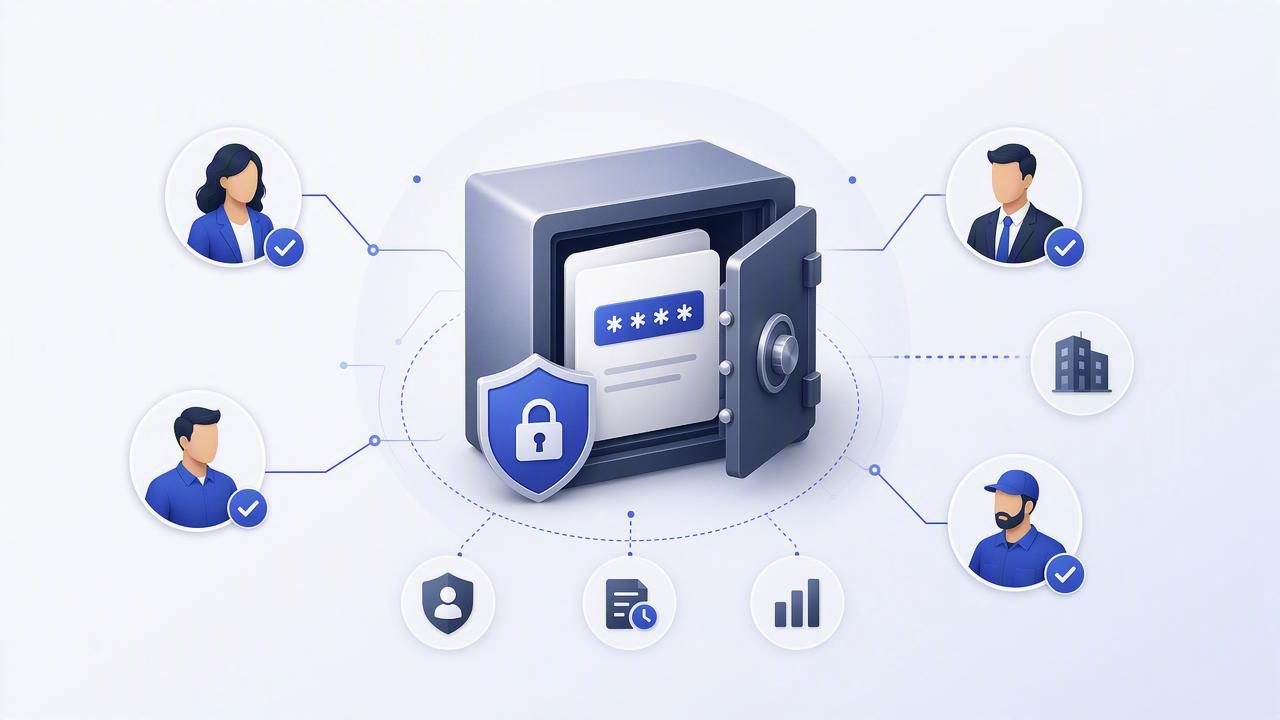
Teams still share passwords. Not because it’s a good idea, but because operations demand it: a legacy admin console, a break-glass account, a vendor portal, a shared social login, or a temporary credential during incident response. The risk is that many “normal” sharing patterns (chat apps, email, spreadsheets, tickets) create a durable trail of secrets that attackers love. Encrypted password sharing is the practice of distributing credentials in a way that keeps them confidential, limits who can access them, and leaves an auditable record of who did what—without creating long-lived plaintext copies.
This guide explains what encrypted password sharing really means, why common approaches fail, and how to build a safer workflow for internal teams and third-party vendors.
What “encrypted password sharing” should mean (and what it shouldn’t)
The phrase gets used loosely. Some tools encrypt messages “in transit” (TLS) but still store content in plaintext on servers, or allow admins to read messages. Others encrypt at rest but expose the secret to too many people once it’s opened.
In practice, encrypted password sharing should provide:
- Confidentiality: only intended recipients can read the secret (ideally via end-to-end encryption).
- Access control: recipients are verified and authorized (SSO/MFA, RBAC, least privilege).
- Minimized exposure: avoid copying secrets into multiple systems; prefer “view” over “send.”
- Auditability: who accessed what, when, from where, and why.
- Lifecycle management: expiration, rotation, and revocation when roles change or incidents happen.
Sharing a secret securely is less about the encryption algorithm and more about controlling who can decrypt it, how long it stays valid, and how you can prove what happened later.
Why common password sharing methods are risky
Most breaches don’t require breaking cryptography. They exploit convenience: accidental forwarding, screenshots, compromised inboxes, or over-permissive access to shared folders.
High-risk patterns to avoid
- Emailing a password (even “temporarily”): mailboxes are durable, searchable, and frequently compromised.
- Chat/DM sharing: message retention, syncing across devices, and weak endpoint security increase exposure.
- Spreadsheets or wiki pages: link sharing, copy/paste, and unclear ownership cause uncontrolled spread.
- Tickets/issue trackers: secrets end up in logs, exports, and notifications, often readable by many roles.
- “We’ll delete it later”: deletion is unreliable—backups, archives, and screenshots persist.
A practical model: stop “sending passwords,” start “granting access”
One of the safest shifts you can make is conceptual: instead of sending a password to a person, grant them controlled access to the resource, or to a vault entry, for a limited time. If you must share a password, treat it as a temporary bridge to a better state.
Use this hierarchy whenever possible:
- Federated access (best): SSO, SAML/OIDC, role-based access in the target system. No password to share.
- Ephemeral credentials: short-lived tokens, just-in-time access, temporary SSH certificates.
- Vault-mediated access: a shared secret stored centrally, revealed only to authorized users, with audit logs.
- Encrypted one-time sharing link: time-bound, view-limited secret delivery with strong recipient verification.
- Raw password sent over channels: last resort; rotate immediately after use.
Comparing encrypted password sharing options
| Method | How it works | Pros | Cons / Risks | Best for |
|---|---|---|---|---|
| Vault entry sharing | Secret stored in a centralized vault; access granted via RBAC/SSO | Strong audit trails, revocation, rotation, least privilege | Requires tooling + onboarding; can be overkill for one-off cases | Teams, production credentials, compliance |
| End-to-end encrypted link | Secret encrypted client-side; recipient decrypts with a key/passphrase | Quick, reduces plaintext leakage | Weak recipient verification; passphrase can be mishandled | Temporary vendor access, short-lived handoffs |
| PGP/age encrypted file | Encrypt secret to recipient public key; send ciphertext via any channel | Strong cryptography, portable, no server trust required | Key management complexity; limited auditing | Security teams, technical recipients |
| Chat/email “encrypted in transit” | TLS protects transport; content may be accessible to platform/admins | Convenient | Durable exposure, forwards, backups, endpoint compromise | Avoid; emergencies only |
Key controls that make encrypted password sharing actually secure
1) Strong identity and recipient verification
Encryption doesn’t help if you encrypt to the wrong person or a compromised account. Use:
- SSO + MFA for vault access or secret links.
- Group-based RBAC (engineering, finance, on-call) rather than ad hoc sharing.
- Out-of-band verification for vendors (verify domain, confirm contact identity, verify key fingerprints).
2) Least privilege and time bounds
Encrypted password sharing should be scoped:
- Time-limited access (hours/days), not “forever.”
- Read vs. copy controls where possible (and monitor if copying occurs).
- One secret per purpose: avoid reusing the same admin password across environments.
3) Audit trails and alerting
For cybersecurity and compliance, you need proof. Capture:
- Who accessed the secret, and from which device/IP.
- Whether the secret was revealed, exported, or shared onward.
- Approval context (ticket link, change request, vendor work order).
- Alerts for anomalous access (new country, off-hours, repeated reveals).
4) Rotation and revocation
Assume shared credentials will leak eventually. Reduce blast radius by:
- Rotating after use (especially for vendor access or emergency sharing).
- Automating rotation where possible to avoid downtime and missed steps.
- Immediate revocation when someone leaves a project or a vendor engagement ends.
Workflow: encrypted password sharing with third-party vendors
Vendors are a common reason teams share passwords. Here’s a safer pattern that balances speed and control.
Step-by-step checklist
- Try to avoid passwords: can you create a vendor user with limited RBAC? Can you use a short-lived token?
- Define scope: list exactly which systems they need and what actions they can take.
- Set an expiration: enforce an end date, and add a calendar reminder for revocation.
- Share via encrypted channel: use a vault access grant or an E2EE one-time share.
- Require MFA: on the target system if possible; otherwise on the vault/secret delivery tool.
- Rotate immediately after the task: treat it as a temporary bridge.
- Document and audit: record approvals, access logs, and outcomes.
Example: encrypting a password to a recipient with age
When a vault isn’t available (or for a very technical exchange), you can encrypt a secret to a recipient’s public key and send the ciphertext through any channel. One modern tool is age, which is simpler than PGP for many teams.
Encrypt a secret string to a recipient:
# recipient provides their age public key (starts with age1...)
RECIPIENT="age1qexample9k0y7r3..."

# encrypt a secret
printf '%s' 'TempPassword!ChangeMeNow' | age -r "$RECIPIENT" -o secret.txt.age

# send secret.txt.age via email/chat/file transfer (ciphertext only)
Recipient decrypts (with their private key):
age -d -i ~/.config/age/keys.txt -o secret.txt secret.txt.age
cat secret.txt
Security note: the encryption is strong, but your process still needs identity verification (confirm the public key belongs to the right person), plus a rotation plan after use. Also consider endpoint risk: if the recipient’s laptop is compromised, decrypted secrets can be stolen regardless of encryption.
Common pitfalls (and how to avoid them)
- Using “encrypted” tools without E2EE: verify whether the provider can access content server-side.
- Sharing master passwords: never distribute a single key that unlocks everything.
- Over-sharing via groups: large groups make access reviews and offboarding error-prone.
- No owner for the secret: every shared credential should have an accountable owner and rotation cadence.
- Copying secrets into too many places: keep a single source of truth and reference it.
Policy essentials: what to write down
Even lightweight policy helps teams make consistent decisions. A practical encrypted password sharing policy usually includes:
- Approved sharing methods (vault, E2EE share links, age/PGP) and explicitly banned channels.
- Classification rules: production admin credentials vs. low-risk test accounts.
- Time limits for vendor access and break-glass usage.
- Rotation requirements after any external sharing or suspected exposure.
- Audit requirements and log retention period.
How to measure if your encrypted password sharing is working
Security improves when you can measure it. Useful metrics include:
- Secrets found in prohibited systems (tickets, chat, repos) via scanning and DLP.
- Average time-to-rotate after sharing or after staff/vendor offboarding.
- Percentage of secrets in a managed system (vault) vs. unmanaged storage.
- Access review findings: stale permissions, oversized groups, unused credentials.
Putting it all together
Encrypted password sharing is most effective when it’s treated as part of secrets management and data protection, not as a one-off encryption trick. Prioritize eliminating password sharing through identity-based access; when you must share, ensure strong encryption, verified recipients, limited duration, robust audit trails, and fast rotation. That combination reduces the chance of leaks and shrinks the damage when something inevitably goes wrong.
If you’re standardizing these workflows across teams, a dedicated secrets platform can help centralize access control, automation, and compliance logging—solutions like Vaulify are designed for that kind of managed, auditable approach.