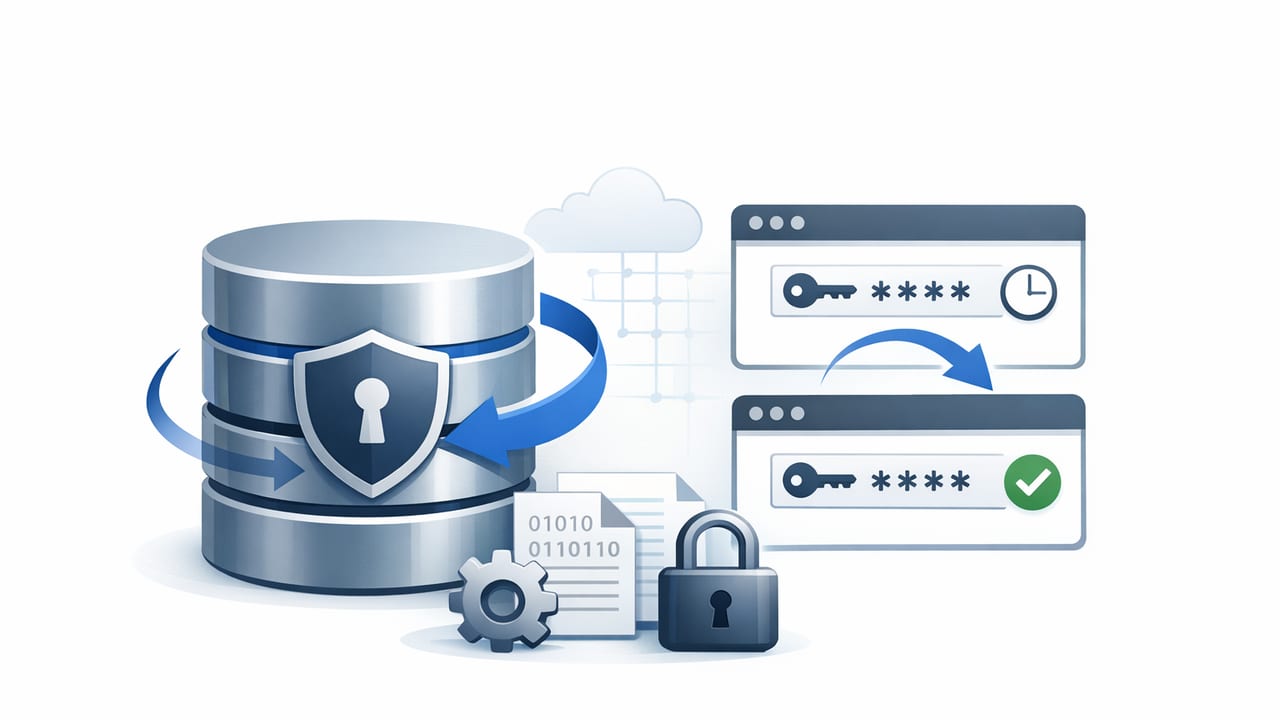
Database credentials are among the highest-impact secrets in most environments. If a database password leaks, attackers can often move from “read-only incident” to “full data breach” quickly—especially when the same password lives for months and is shared across services. Password rotation reduces that blast radius by limiting how long a stolen credential remains valid, and it forces teams to build healthier operational habits around secrets management.
This guide focuses on best practices for rotating database passwords with minimal risk, including zero-downtime patterns, automation design, and audit-ready controls. While the examples lean on common relational databases, the principles apply broadly.
Why database password rotation is hard (and why it’s worth it)
Rotating database passwords sounds simple: change password, update apps. In production, it’s complicated because:
- Multiple consumers share the same credential (microservices, ETL jobs, BI tools, cron tasks).
- Connection pools keep sessions alive, so changes don’t take effect immediately.
- Deployment lag means some workloads update later than others.
- Hidden dependencies exist (legacy scripts, vendor integrations, ad-hoc queries).
Despite the complexity, rotation is a core control for cybersecurity, data protection, and many compliance requirements. It also improves your incident response posture: if you suspect compromise, you can invalidate credentials quickly and confidently.
Core principles for safe password rotation
Before tactics, align on principles that make rotation predictable:
- Never rotate by hand in production. Manual steps are error-prone and hard to audit. Use automation with approval gates where necessary.
- Prefer “dual credentials” over “big bang” changes. Allow old and new passwords to work during a transition window.
- Decouple password change from application rollout. The database can accept multiple credentials temporarily, letting services update gradually.
- Make rotation observable. You need metrics and logs to confirm success and detect stragglers.
- Minimize credential sharing. Shared passwords increase coordination cost and risk. One app → one identity is a practical goal.
Choose a rotation strategy: shared user vs. per-service identities
The best practice is to move toward per-service database users (or role-based access) so rotation impacts fewer systems. If you must keep a shared user temporarily, treat it as a migration step, not the end state.
Comparison table: common approaches
| Approach | Pros | Cons | Best for |
|---|---|---|---|
| Shared DB user (one password) | Simple setup; fewer DB objects | Hard coordination; large blast radius | Small legacy stacks (short-term) |
| Per-service DB user | Smaller blast radius; easier rotation | More identities to manage | Microservices, regulated workloads |
| Short-lived dynamic credentials | Strongest security; auto-expiry | Requires integration; operational maturity | High-security environments, zero trust |
Define rotation frequency based on risk (not guesses)
Rotation intervals vary by environment and threat model. Use a risk-based approach:
- Production customer data: rotate more often (and always upon suspected exposure).
- Privileged accounts: rotate more frequently than low-privilege read-only users.
- Internet-exposed apps: shorter intervals, because compromise probability is higher.
Practical starting point (adjust to your needs)
| Environment | Suggested interval | Notes |
|---|---|---|
| Dev/Test | 30–90 days | Focus on automation reliability and developer experience |
| Staging/Pre-prod | 30 days | Mirror production patterns to catch failures early |
| Production | 14–30 days | Shorter for internet-facing and regulated data |
| Privileged/admin | 7–14 days | Consider session controls and just-in-time access |
The zero-downtime rotation pattern (recommended)
A reliable way to rotate without breaking production is a two-phase (or three-phase) approach with a transition window. The exact implementation differs by database, but the operational pattern is consistent.
Phase 1: Introduce a new credential
Create a second way for applications to authenticate before removing the old one. Options include:
- Create a new DB user with the same permissions as the old user (preferred).
- Update password but keep old password valid (only possible on some systems via plugins or auth methods; often not available).
- Use a role-based model where users are swapped while roles remain stable.
In most relational databases, the cleanest method is to create a new user, grant the same roles/privileges, and later delete the old user.
Phase 2: Update consumers gradually
Update services to use the new credential through configuration changes. Best practices:
- Centralize configuration (environment variables, config service, or secrets manager).
- Roll out progressively (canary, then broader deployment).
- Drain connection pools so new credentials take effect quickly (restart pods, recycle workers, or reinitialize pools).
- Measure adoption by tracking which DB users are creating sessions.
Phase 3: Revoke the old credential
Once you’ve confirmed no workloads rely on the old password/user:
- Disable login or revoke privileges for the old user.
- Monitor for errors (authentication failures, permission issues).
- After a safety window, delete the old user and remove the old secret everywhere.
Operational rule: don’t remove the old credential until you can prove it’s unused (via logs/metrics), not just “because deployments finished.”
Implementation example: rotating a PostgreSQL app user
This example uses the “new user” method for zero downtime.
1) Create the new user and grant permissions
-- Run as a privileged role
CREATE ROLE app_user_v2 LOGIN PASSWORD 'REDACTED_NEW_PASSWORD';

-- Grant the same role/privileges as the current user
GRANT app_role TO app_user_v2;

-- If you currently grant directly to the old user, copy those grants instead
-- (Prefer role-based grants to avoid repeated work.)
2) Update services to use the new secret
Prefer injecting credentials at runtime rather than hardcoding them. For example, an application might read:
# Example environment variables
DB_HOST=...
DB_NAME=...
DB_USER=app_user_v2
DB_PASSWORD=REDACTED_NEW_PASSWORD
If you use connection pooling, ensure the rollout triggers a reconnection. Many teams do this by restarting deployments after updating secrets.
3) Verify usage and cut over
Check active sessions by user:
SELECT usename, count(*)
FROM pg_stat_activity
GROUP BY usename
ORDER BY count(*) DESC;
When you see no active sessions for the old user and error rates remain stable, revoke and later drop:
-- Disable login first (safer than dropping immediately)
ALTER ROLE app_user_v1 NOLOGIN;

-- After the safety window
DROP ROLE app_user_v1;
Automation checklist for rotation you can trust
Rotation fails when automation changes the password but not the consumers (or vice versa). Use this checklist to make automation resilient:
- Pre-rotation validation: confirm database reachable, privileges sufficient, and target user/role state is correct.
- Atomic secret publish: store the new credential in one place, versioned, with clear “current” vs “previous.”
- Orchestrated rollout: trigger service restarts/reloads in a controlled order (canary first).
- Post-rotation verification: test login with new credentials and run a lightweight query.
- Rollback plan: if the new user causes permission errors, you can re-enable the old login quickly.
- Idempotency: rerunning the job should not create broken intermediate states.
Example pseudo-rotation workflow (CI/CD or scheduled job)
1. Generate new credential (random, high entropy)
2. Create new DB user + grant role(s)
3. Write secret version N+1 to secrets store
4. Deploy/restart services gradually (canary -> 25% -> 100%)
5. Verify DB sessions show new user in use
6. Disable old user login
7. After X hours/days, drop old user and delete old secret version
Common pitfalls (and how to avoid them)
1) Rotating a shared credential used by “unknown” consumers
Hidden consumers cause outages. Reduce risk by:
- Inventorying all apps/jobs that connect to the database.
- Searching repos for connection strings and usernames.
- Using DB logs to identify clients by application name, IP, or user.
2) Permissions drift between old and new users
If you copy grants manually, you’ll miss something. Best practice is to grant permissions to roles, then attach roles to users. Rotation becomes “swap user,” not “rebuild permissions.”
3) Long-lived sessions keep the old credential “working”
Existing sessions may remain valid even after you disable login. Plan to recycle services or force re-authentication where feasible, and validate based on new session creation rather than just “no errors.”
4) Passwords updated in one place but cached elsewhere
Some systems cache secrets (sidecars, agents, app-level caches). Ensure there is a documented refresh mechanism and that it’s exercised regularly.
Security and compliance considerations
Rotation is strongest when combined with these controls:
- Least privilege: app users should not be database owners or superusers.
- Segmentation: separate read/write users when practical.
- Strong password policy: long, random, unique; avoid “human memorable.”
- Audit logging: record credential changes, who approved them, and which systems retrieved secrets.
- Alerting: notify on unusual secret access patterns and repeated authentication failures.
These practices support API security and broader secrets management maturity by ensuring credentials aren’t static, over-privileged, or invisible.
A practical rollout plan for teams starting from scratch
- Week 1: inventory database users and map each to owners and workloads.
- Week 2: introduce role-based grants and migrate apps to per-service identities where possible.
- Week 3: implement automated rotation in staging; add verification queries and rollback steps.
- Week 4: production canary rotation for one low-risk service; measure and document.
- Ongoing: increase coverage, shorten intervals for high-risk credentials, and continuously improve observability.
Conclusion
The most reliable best practices for rotating database passwords revolve around minimizing shared credentials, using a dual-credential (new user) cutover pattern, and automating the full lifecycle with validation and observability. Done well, rotation becomes a routine, low-risk operation—rather than a quarterly fire drill.
If you’re formalizing this process, a dedicated secrets management platform can help centralize versioned secrets, automate rotation workflows, and strengthen auditability—tools like Vaulify are designed for this kind of operational security work.